


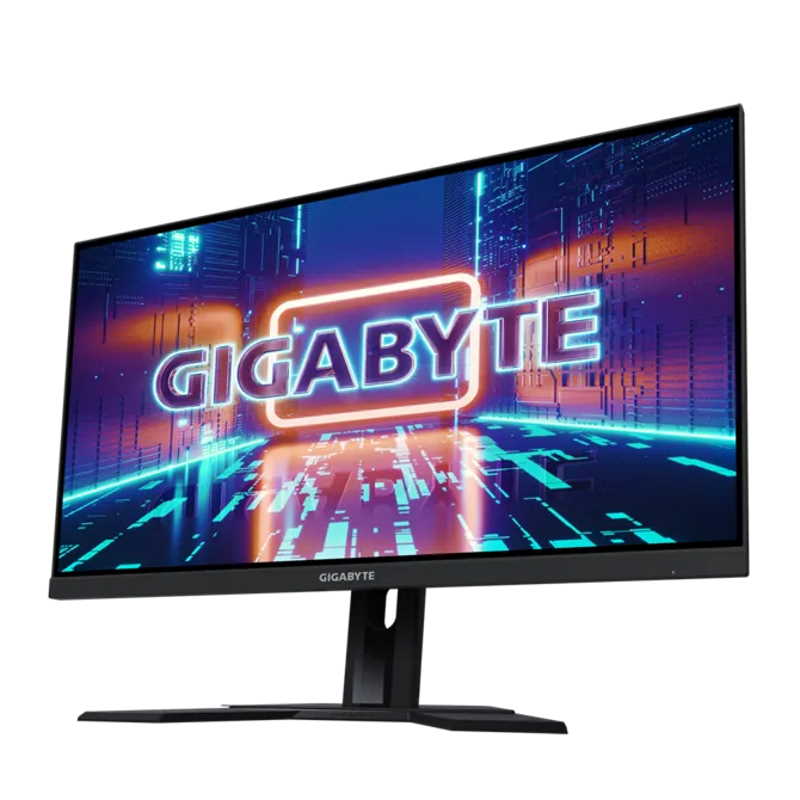
Gigabyte M27Q X Gaming Monitor
The Gigabyte M27Q X Gaming Monitor is a 27-inch QHD powerhouse engineered for competitive gamers and content creators who demand both speed and color accuracy. With a blazing 240Hz refresh rate and 1ms GTG response time, this display delivers buttery-smooth motion and virtually no ghosting, giving you the edge in fast-paced shooters, racing sims, and MOBAs.
Who Is It For?
This monitor is ideal for esports enthusiasts, competitive gamers, and hybrid users who want a high-refresh-rate panel without sacrificing visual fidelity. Its QHD resolution (2560×1440) offers a sweet spot between crisp detail and GPU performance, making it perfect for mid-to-high-end graphics cards.
Key Features
- 240Hz Refresh Rate & 1ms GTG: Ultra-smooth gameplay with minimal motion blur, ensuring you never miss a frame.
- AMD FreeSync Premium Pro: Eliminates screen tearing and stuttering, with HDR support for vibrant, low-latency gaming.
- 92% DCI-P3 Color Gamut: Factory-calibrated colors for accurate reproduction, suitable for photo editing and content creation.
- Versatile Connectivity: Includes DisplayPort 1.4, two HDMI 2.0, USB-C with 18W PD, and USB 3.0 hub for seamless peripheral setup.
- Ergonomic Design: Tilt, swivel, and height adjustments, plus VESA 100×100mm mount compatibility for flexible setups.
Performance Highlights
The M27Q X uses a fast IPS panel with a 178° viewing angle, ensuring consistent colors from any position. The 350 cd/m² brightness and 1000:1 contrast ratio deliver punchy visuals, while the non-glare coating reduces reflections in bright rooms. Although it lacks built-in speakers, the 3.5mm audio jack lets you connect your favorite headset directly.
Use Cases
Whether you're grinding ranked matches, streaming, or editing videos, this monitor adapts. The USB-C port with 18W Power Delivery can charge a laptop or mobile device, and the USB hub simplifies cable management. For multi-monitor setups, the slim bezels and VESA mount make it easy to create an immersive surround view.
In summary, the Gigabyte M27Q X is a top-tier choice for gamers who refuse to compromise on speed or color. Its combination of high refresh rate, low latency, and accurate color makes it a versatile investment for years to come.
Key Specifications
Pros
- 240Hz refresh rate with 1ms GTG for ultra-smooth gaming
- Excellent color accuracy (92% DCI-P3) out of the box
- AMD FreeSync Premium Pro reduces tearing and stuttering
- Versatile connectivity including USB-C with 18W PD
- Ergonomic stand with height, tilt, and swivel adjustments
Cons
- No built-in speakers
- HDMI 2.0 ports limited to 144Hz at QHD (full 240Hz requires DisplayPort)
- Peak brightness of 350 nits may be modest for HDR content