


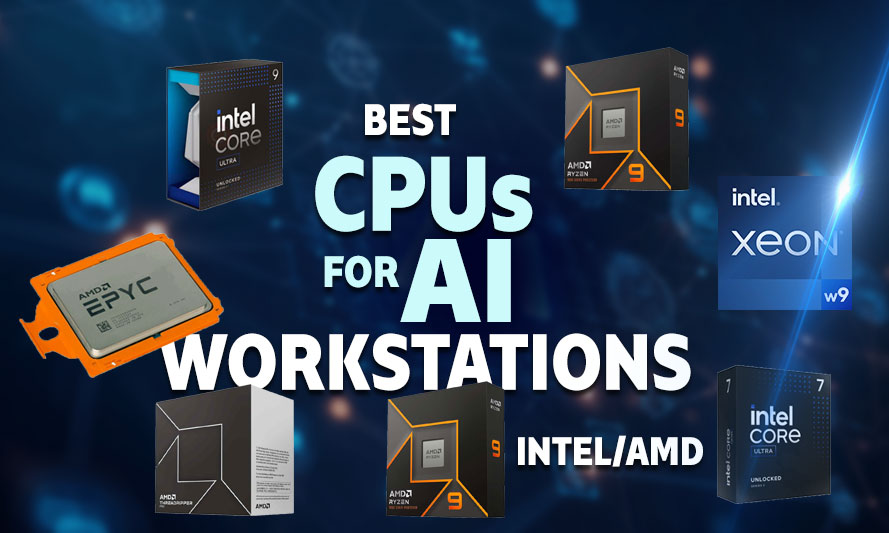
If your CPU is bottlenecking your AI pipeline, congratulations – you’ve just found the most expensive way to lose patience. Choosing the best CPU for AI workstation in 2026 is not as straightforward as picking the chip with the highest clock speed and calling it a day. AI development workflows – whether you’re training transformer models, running inference loops, or orchestrating distributed learning jobs – demand a processor that can juggle massive thread counts, handle memory bandwidth gracefully, and not crater under sustained load. This guide breaks down the top 7 processors worth your money in 2026.
Whether you’re a developer building the next LLM side project, a researcher running deep learning experiments, or a gamer who moonlights as a machine learning hobbyist, the right CPU makes a measurable difference. Let’s get into it.
What Makes a CPU Good for AI Workloads?
Before listing the picks, it helps to understand what separates a capable AI processor from one that’ll have you watching progress bars for three hours. AI development tasks – particularly training and fine-tuning models – are not purely GPU-bound. The CPU handles data preprocessing, coordinates memory transfers, manages I/O between storage and VRAM, and runs inference tasks that don’t justify spinning up a GPU.
The best processors for AI PCs in 2026 share a few common traits: high core counts for parallel data loading, strong memory bandwidth to feed the pipeline, support for ECC or high-capacity RAM configurations, and PCIe lane availability for multi-GPU setups. Yes. Clock speed matters, but it’s rarely the deciding factor.
Is a Multi-Core CPU Sufficient for AI Development?
The short answer is yes – with conditions. A multi-core CPU is sufficient for AI development tasks like data augmentation, preprocessing pipelines, and running lightweight inference models. However, for large-scale distributed training or working with billion-parameter models, you’ll want a processor that pairs well with high-bandwidth memory and multiple PCIe 5.0 lanes.
The GPU still does the heavy lifting in most deep learning scenarios, but the CPU is the logistics manager. A weak logistics manager means GPU utilization drops, and your expensive graphics card sits idle waiting for data. Don’t let that happen.
How to Choose a CPU for AI Model Training
The decision framework is simpler than it appears once the noise is filtered out. Start with the workload type: if you’re running distributed training across multiple GPUs or nodes, prioritize PCIe lane count and memory channels. If you’re doing single-GPU training with heavy data preprocessing, a high core-count desktop chip like the Ryzen 9 9950X is sufficient. If inference is your primary concern, the NPU capabilities of Intel’s Core Ultra lineup become relevant.
Budget is a practical constraint. The Threadripper PRO and EPYC platforms deliver unmatched capability but require workstation motherboards that add significant cost. Desktop platforms like AM5 and LGA1851 offer 80% of the performance at 40% of the total system cost for most developer use cases. Match the platform to the actual workload, not the theoretical maximum.
Finally, consider longevity. AI frameworks evolve quickly, and the software demands of 2026 will look different in two years. Choosing a platform with a confirmed upgrade path – AM5 has been confirmed to support future Ryzen generations, and LGA1851 has a similar trajectory – means the motherboard investment doesn’t become obsolete when the next CPU generation arrives.
Best CPU for AI Workstation 2026 Build Guide: Top 7 Picks
AMD Ryzen Threadripper PRO 7985WX
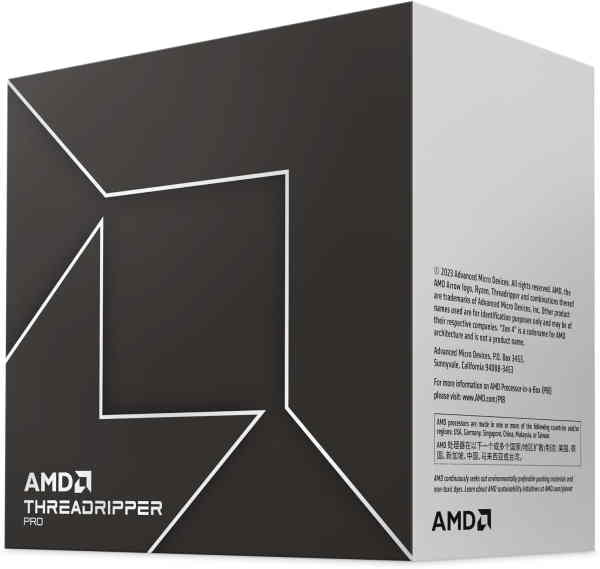
Ryzen Threadripper Pro 7985WX
Sixty-four cores and 128 threads on Zen 4, with eight-channel ECC DDR5 and 128 PCIe 5.0 lanes. Built for parallel training workloads, large dataset preprocessing, and multi-GPU configurations without lane contention. Professional-grade memory capacity up to 2 TB removes RAM as a bottleneck in demanding AI and ML pipelines.
The Threadripper PRO 7985WX is the kind of chip that makes data scientists forget they were ever frustrated. With 64 cores and 128 threads built on AMD’s Zen 4 architecture, this processor handles distributed training AI/ML workflows with a composure that mid-range chips can only dream about. It supports up to 2TB of ECC DDR5 RAM across eight memory channels – a configuration that removes memory as a bottleneck entirely.
In real-world situations, this CPU excels when you’re running multiple containerized training jobs simultaneously, coordinating data loaders across dozens of threads, or preprocessing terabyte-scale datasets before feeding them into a GPU cluster. The 128 PCIe 5.0 lanes also mean you can run four high-end GPUs without lane contention. This is professional-grade territory, and the price reflects that, but if your AI workstation is a production machine, the investment is justified.
Intel Xeon W9-3595X

Xeon W9-3595X
The Xeon W9-3595X is a high-end workstation processor – 60 cores, 120 threads, 112.5 MB L3 cache, 385 W TDP, on the LGA 4677 socket. Its defining characteristics for AI dev workloads are massive core count, 307 GB/s memory bandwidth, ECC DDR5 support, and PCIe 5.0.
Intel’s Xeon w9-3595X is the company’s answer to AMD’s Threadripper dominance in the workstation segment, and it’s a credible one. Featuring 60 cores and 120 threads on the Sapphire Rapids-AP architecture, this processor delivers exceptional per-core performance alongside support for DDR5 ECC memory across eight channels. It’s among the best CPUs for deep learning workstations where both single-threaded and multi-threaded performance need to coexist.
Where the Xeon w9-3595X distinguishes itself is in workloads that blend AI inference with traditional compute tasks – think scientific simulations running alongside neural network training, or large-scale data transformation pipelines. Intel’s AMX (Advanced Matrix Extensions) instruction set provides hardware-level acceleration for matrix operations, which is directly relevant to transformer model training. If your workflow involves PyTorch or TensorFlow on CPU, AMX makes a measurable difference.
AMD Ryzen 9 9950X
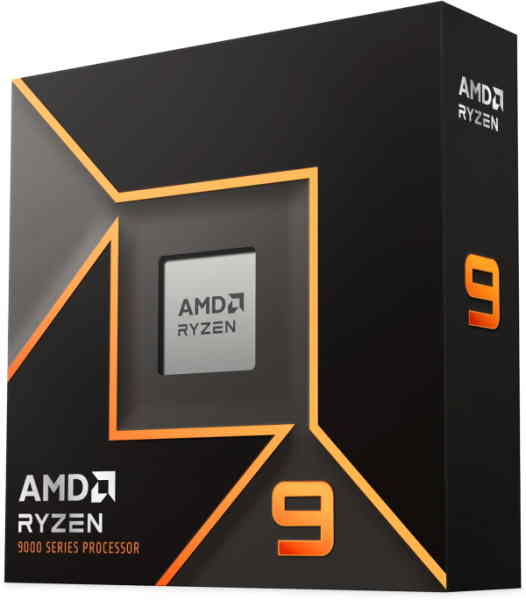
Ryzen 9 9950X
Sporting 16 cores and 32 threads on Zen 5, with DDR5 support and 24 PCIe 5.0 lanes, the 9950X is a strong single-socket option for AI developers who need high single-thread performance alongside capable multi-threaded throughput. Suited to local LLM inference, model prototyping, and lighter training workloads without the cost or platform overhead of Threadripper.
Not everyone needs a workstation-class chip. For developers building AI applications on a desktop platform, the Ryzen 9 9950X is one of the best processors for AI PCs in 2026 that doesn’t require a second mortgage. Sixteen cores, 32 threads, and Zen 5 architecture combine to deliver strong multi-threaded throughput on the AM5 platform, which supports DDR5-6000 memory natively.
In practical terms, the 9950X handles data preprocessing pipelines, model evaluation scripts, and local inference tasks without flinching. It pairs cleanly with a single high-end GPU like the RTX 5090 or RX 9070 XT, making it a sensible foundation for a solo developer’s AI workstation. The thermal output is manageable with a quality air cooler, and the AM5 platform still has years of upgrade headroom remaining.
Intel Core Ultra 9 285K

Core Ultra 9 285K
With 24 cores split across a hybrid architecture – 8 Performance cores handling the heavy lifting while 16 Efficiency cores absorb background and parallel tasks, the Intel Core Ultra 9 285K is by no means an average performer in AI workflows. DDR5 support, Intel’s AI Boost NPU, and Thread Director scheduling make it a capable entry point for developers running local inference and building ML pipelines without committing to a workstation platform. Core counts won’t satisfy distributed training, but for a primary development machine that also handles everyday workloads, it punches well above its consumer price bracket.
The Core Ultra 9 285K sits on Intel’s Arrow Lake architecture and represents a notable shift in how Intel approaches desktop-class AI workloads. With 24 cores (8 Performance + 16 Efficient), the chip handles thread-heavy preprocessing jobs efficiently while keeping power draw in check compared to its predecessors. It supports DDR5 memory and PCIe 5.0, covering the lane requirements for a dual-GPU AI workstation setup.
The built-in NPU (Neural Processing Unit) in the Core Ultra lineup adds a layer of hardware acceleration for AI inference tasks that can offload lightweight model execution from the GPU entirely. For developers working on edge AI applications or building tools that require real-time inference on a desktop machine, this is a genuinely useful feature rather than a marketing checkbox. It’s one of the better choices when considering how to choose a CPU for AI model training on a desktop budget.
AMD EPYC 9654
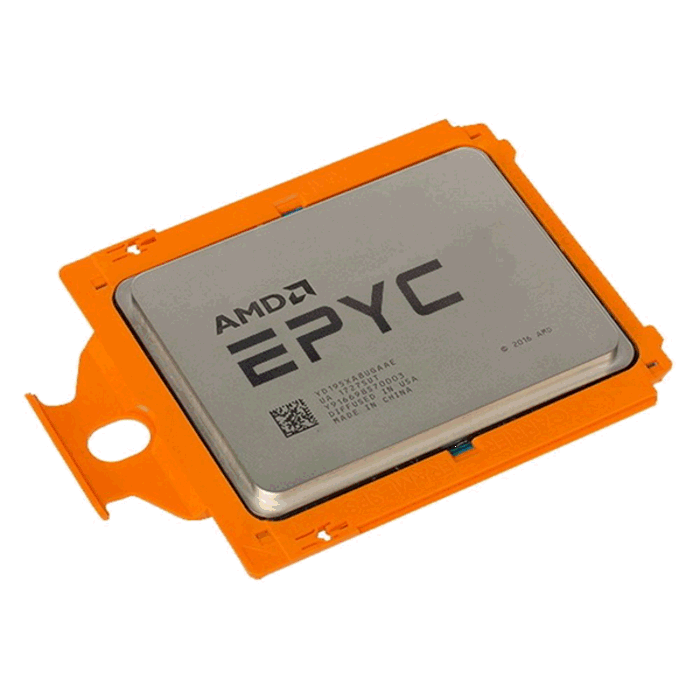
EPYC 9654P
The AMD EPYC 9654 brings datacenter muscle to on-premises AI infrastructure. 96 cores and 192 threads on Zen 4, with 12-channel ECC DDR5 and a 6 TB memory ceiling – realistic headroom for holding multiple large models in RAM simultaneously. Platform complexity is real; SP5 boards and registered DDR5 push this beyond typical workstation builds, but for production inference serving and distributed training, the per-core economics are hard to argue with.
The EPYC 9654 is a server-class processor, and listing it here is deliberate. For teams building dedicated AI training servers or researchers with access to rack-mount hardware, this 96-core, 192-thread Zen 4 chip is among the best CPUs for AI development and machine learning at scale. It supports 12-channel DDR5 ECC memory and delivers memory bandwidth figures that desktop chips cannot approach.
In distributed training scenarios – where multiple nodes coordinate gradient updates across a model – the EPYC 9654’s core count and memory capacity mean each node can handle larger batch sizes with less inter-node communication overhead. This translates to faster convergence and more efficient use of GPU resources. It’s not a chip you buy for a home office, but if you’re configuring a small AI compute cluster in 2026, it belongs in the conversation.
AMD Ryzen 9 9900X
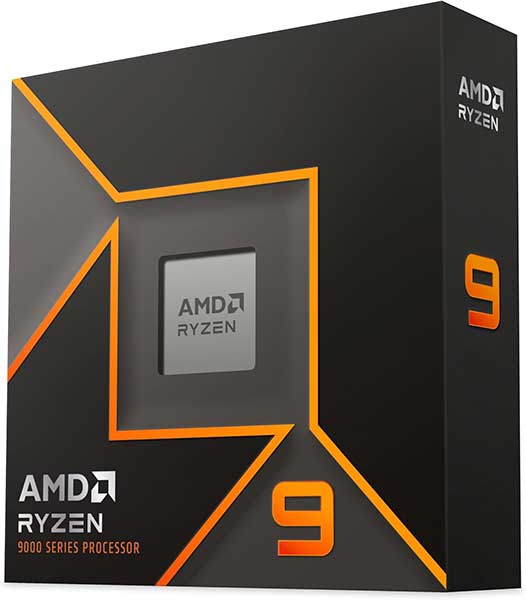
Ryzen 9 9900X
This CPU is powered by 12 cores and 24 threads on Zen 5, with DDR5 and PCIe 5.0 support. A sensible entry point for AI developers doing local inference, model experimentation, and pipeline development on a budget that doesn’t stretch to Threadripper. Single-thread performance is strong; sustained multi-threaded workloads will hit its limits faster than its 16-core sibling, but for a capable development machine it covers the essentials without excess.
The Ryzen 9 9900X occupies a pragmatic middle ground. Twelve cores on Zen 5 with strong single-threaded performance and a lower TDP than the 9950X make it an efficient choice for developers who run AI workloads intermittently rather than continuously. It’s well-suited for general-purpose AI tasks: running Jupyter notebooks, training smaller models locally, and handling the kind of exploratory data analysis that precedes a full training run.
The 9900X also makes sense for developers who game on the same machine – a scenario more common than enterprise hardware vendors would like to admit. It handles game engines and AI development environments without requiring separate workstation and gaming rigs. The AM5 platform compatibility means it shares infrastructure with the 9950X, so upgrading later is a straightforward CPU swap.
Intel Core Ultra 7 265K

Core Ultra 7 265K
The Intel Core Ultra 7 265K is a pragmatic choice for AI developers who want a capable development machine without the cost of a workstation platform. 20 cores across 8 Performance and 12 Efficient cores, with DDR5 and Intel’s AI Boost NPU handling lighter inference acceleration on-chip. It won’t sustain heavy parallel training, but for prototyping, local LLM inference, and development workflows that eventually hand off to cloud or GPU infrastructure, it holds its ground comfortably.
Rounding out this list is the Core Ultra 7 265K, a chip that punches above its price point for AI development workflows that don’t require extreme core counts. Twenty cores on Arrow Lake, PCIe 5.0 support, and the integrated NPU make it a capable platform for the best CPU for general-purpose AI tasks at a desktop-accessible price. It handles model fine-tuning, inference benchmarking, and data pipeline work without the overhead costs of a full workstation platform.
For developers entering the AI space in 2026 who want a capable machine without committing to Threadripper-level spending, the Core Ultra 7 265K paired with a strong GPU and 64GB of DDR5 RAM is a legitimate starting configuration. It’s also worth noting that the LGA1851 platform provides a reasonable upgrade path as Intel’s roadmap continues.
Putting it Together
Selecting the right processor is only one piece of the puzzle. The CPU needs to be paired with sufficient DDR5 memory – 64GB is a reasonable floor for serious AI work, with 128GB being preferable for larger models – and a GPU with substantial VRAM. The interconnect between CPU and GPU (PCIe 5.0 x16) matters more than many builders expect, particularly in inference-heavy workflows where data moves frequently between system RAM and VRAM.
Storage also deserves attention. Training datasets can reach hundreds of gigabytes, and loading them from a slow drive creates a bottleneck that no CPU can compensate for. A PCIe 5.0 NVMe SSD as the primary drive for active datasets keeps the pipeline moving. For archival storage, a secondary NVMe or high-speed HDD handles the overflow without affecting active training performance.
If you’re assembling this machine yourself for the first time, the physical build process has its own learning curve. A detailed walkthrough helps avoid common mistakes with mounting, cable management, and BIOS configuration. This step-by-step DIY PC build guide covers the full process from component layout to first boot, and it’s worth reading before you start placing parts.
Conclusion
Narrowing down the best CPU for AI workstation in 2026 comes down to matching the processor to the actual demands of the workflow rather than chasing specification sheets. The Threadripper PRO 7985WX and Xeon w9-3595X lead for professional and multi-GPU configurations. The Ryzen 9 9950X and Core Ultra 9 285K cover the desktop workstation segment with strong value. The EPYC 9654 belongs in server and cluster builds. The Ryzen 9 9900X and Core Ultra 7 265K serve developers who need capable machines without enterprise-tier spending.
Every chip on this list is a legitimate foundation for AI development work in 2026. The differences between them are a matter of scale, budget, and workload specifics – all of which only you can define for your own setup.
All Articles