


You might be asking, is it better to build a custom PC, or just buy one off the shelf? Well, it’s tempting to just pick up a pre-built gaming PC at a store near you, but is it worth it? Will a pre-built PC provide the best components for the best possible performance at your budget level?
If you want to build a custom PC, there are factors to consider. These factors should determine what you should buy. The first question you should ask yourself is: What am I using this PC for? We will lay down some general guidelines you must stick to if you must build a custom PC by yourself.
Gone are the days when building a PC was reserved for the “techies”. Nowadays, with some courage and research, just about anyone can build one. We’ve got guides that cover PC builds for just about any purpose.
RELATED ARTICLE

Best Wi-Fi Routers for Gaming and Streaming
We round up the best of the best routers for gaming and streaming. Full Review and buying guide
Why should you build your own PC instead of buying a pre-built PC
It’s imperative that we answer this question. There are several advantages to both sides and equally disadvantages. However, the advantages of building your PC by yourself far outweigh the disadvantages, and we’ll show you shortly.
While there will always be strong reasons from both sides of the divide, we believe building a PC yourself offers a better comparative advantage over buying a pre-built PC. let us see 6 (six) reasons why you should go for a pre-built PC.
6 reasons to buy a Pre-Built PC
- TECH SUPPORT
If you decide to buy a pre-built PC, you’re entitled to technical support from the PC company. This means that should your PC break (lol), you can actually dial them up and transfer the stress to the tech support guys at your PC company.
- PARTS ARE CHEAPER IN A BUNDLE
This means that if you decide to say, buy a pre-built computer, you’ll end up paying far less than what you’ll fork out if you are going the self-build route. Is this really true? We’ll find out shortly.
- PLUG AND PLAY
With a pre-built PC, you simply plug into an outlet and power up the PC. Simple as that… You don’t need to worry about part compatibility.
- FREE WINDOWS INSTALLATION
You have a free copy of Windows already installed, waiting to serve you. You don’t have to purchase a separate copy.
- OEM BRANDING
If you buy a pre-built PC, chances are it’s a major Original Equipment Manufacturer (OEM) like Dell or Lenovo. Well, you get a branded computer that you can show off to your friends. PC unit, monitor, keyboard, and mouse. All branded. Nice huh…
- WARRANTY
A pre-built PC has a single warranty covering all parts, whereas a custom-built PC has a warranty on the individual parts, which means you have to deal with different companies if your PC develops serial problems.
On the flip side, let’s look at the reasons for building a PC yourself.
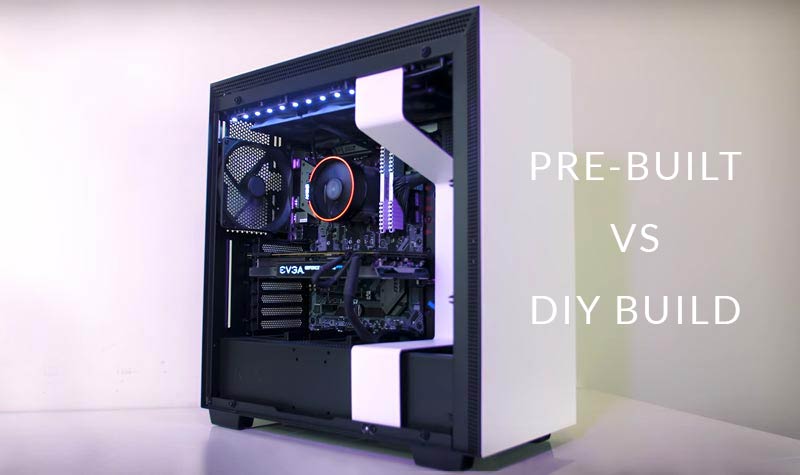
14 reasons to build your own PC
- TECH SUPPORT
If your PC breaks (it happens sometimes), you don’t have to be delayed and spend hours on the phone with some creepy tech support personnel. You are your own tech support. You simply pop open the case and fix the stuff. Period.
- YOU SPEND LESS
Yes. It’s proven time and time again. With just $500 to $700, you can build a decent budget PC yourself. You’ll hardly find an offer in this price range from a PC company selling pre-built computers.
- SPEEDY AND EASY UPGRADES
With a custom PC build, you have an easier and more convenient upgrade process. You don’t have to pay a tech guy for the upgrade, because you know just what to change and how to change it. Knowledge is power.
- HIGHER QUALITY PARTS
With a pre-built PC, you never know when they are ripping you off. These companies most times use low-quality parts, all because they want to maximize their profits. At the end of the day, you, the customer suffers for it. However, if you build your own PC by yourself, you are in a much better position to pick the best quality parts you need.
- NO RISK OF BLOATWARE
When you buy a pre-built PC, you’ll end up having a ton of bloatware (pre-installed software on a PC) that you may not really need. The result? With time, this bloatware gradually cripples your system because they are not needed. They’re just sitting there, occupying disk space. Well, there is absolutely no risk of bloatware if you build your own PC. You get to choose and install your software, all by yourself.
- BETTER WARRANTIES
A pre-built PC has a shorter warranty period in most cases, mostly one year. It is not so with a custom self-built PC. You buy the parts separately, and most of them have extended warranties, in most cases up to 3 or 5 years.
RELATED ARTICLE
The Best PC Build for Photo Editing & Photography
Check out our comprehensive build guide for Photo Editing and Photography. Equipment recommendations and buying guide included.
- YOU’RE RESPONSIBLE TO A LARGER EXTENT FOR YOUR PC
If you built your PC by yourself, apart from the sense of pride, you’ll notice that you’re more responsible for the machine. You value the machine more because you built it yourself from scratch. So you have more sense of responsibility, which means you take extra-special care of the machine.
- MORE CONTROL OVER CUSTOMIZATION
With a custom self-built PC, you have complete and total control over the customization of your PC, not some nerd from the PC company. You can easily swap out parts because you know exactly which part to use. In the future, upgrading the PC becomes much easier because you KNOW JUST WHAT TO DO.
- YOU DEVELOP BETTER PROBLEM-SOLVING CAPACITIES
If you build your own PC, with time your problem-solving skills will appreciate. This is because you will get better at fixing your PC with experience. Even if you get stuck, you can reach out to people who had similar problems for help. Ultimately, you’ll become a better person who can confidently face challenges head-on.
- YOU GET TO CHOOSE YOUR OPERATING SYSTEM
If you build your own computer, you get to choose which OS you want to use, not what was bundled with a pre-built PC. This is because you may not want the particular OS that shipped with the machine. After all, our tastes differ, doesn’t it?
- YOU LEARN A SKILL
Yes. When you build your PC yourself, you learn the useful skill of putting computers together. Heck, you can even add it to your resume! The good part is that this skill stays with you throughout your lifetime.
- BETTER COOLING OPTIONS
If you buy a pre-built PC, you may end up being disappointed. Why? Because the cooling options may not be adequate for the PC. In most cases, they cram the case with components, not taking extra care to install better cooling parts which in the long run may decrease the life span of your components. With a self-built PC, you select exactly the case you want and the type of cooling. You can even install additional fans.
- BETTER KNOWLEDGE ACQUISITION
If you buy a pre-built PC, you simply relax and use it. If it develops a fault, you simply sit back and allow the tech guys to figure it out. Easy right? Yes. But you are not forced to acquire new knowledge about PCs like you’ll be if you built it yourself.
With a self-built PC, you consistently acquire new knowledge about working with PCs. In addition, you have access to the online community where tips, tutorials, and help are disseminated freely. With these online PC building communities, you will definitely feel like you belong to a family.
- BUILDING A PC YOURSELF IS FUN
Yes. We agree totally. Apart from the occasional hiccups one experiences when putting PCs together, it’s a fun activity that also teaches you a lot. With time, you may eventually become a guru with PCs.
Ok. 6 reasons against 14. As you can see, the difference is clear. We encourage you, dear reader, to build your own PC. It’s worthwhile.
So which one to go for, DIY or Pre-built PC?
By now you should have seen enough reasons to go the DIY route. However, it’s all up to you. If you’re like us, you’ll build it all by yourself. We don’t really mind getting our hands dirty building PCs. We actually love it.
One of the major reasons why you need to build a custom PC is the benefit of customization. You get to choose all the components your machine will have, right from the processor down to the mouse and keyboard. That’s the biggest pro of DIY PC building.
This guide assumes you have some knowledge of PCs, but even if you don’t, let’s explore the various considerations for different use cases.
Custom PC Build for Gaming
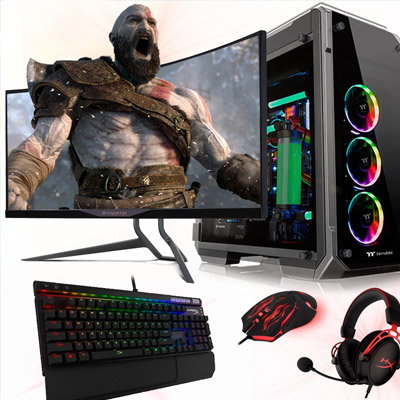
PC Gaming is a compute-intensive activity, which means it places a great demand on the computing power of your PC. With the right configuration, you should be able to play any game title on the market. When building a custom PC for gaming, bear in mind that, among other things:
- You should invest in a recent or latest graphics card
- Get a fast NVMe drive for installing Windows and your games
- A gaming keyboard/mouse is necessary
- You need at least 16GB of DDR4 RAM unless you are building a budget gaming PC, in which case you need 8GB
- You may need a liquid cooler
- You will need a gaming monitor
- Other accessories such as gaming chair, VR kit (if you want to do VR gaming)
Those are the main considerations you should bear in mind. Of course, your budget determines the kind of build you eventually get. There are PC gamers on a tight budget, for which we recommend our budget gaming PC guide, then there are gamers who are not constrained by money and are willing to spend whatever it takes.
In that case, we’ve got a guide for the best gaming PC build for you that covers every budget. You should also check out our review on Gaming Laptops under 3000 dollars if you don’t want to bother with a regular desktop.
RELATED ARTICLE
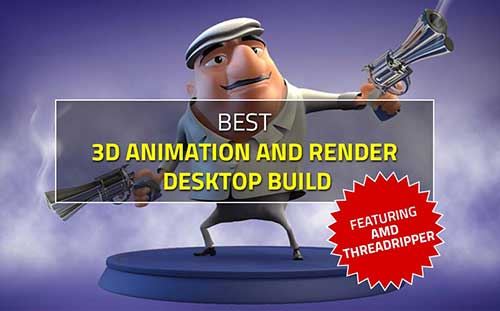
Best 3D Animation and Render Desktop PC Build – Full Guide
This guide features the indomitable AMD Threadripper CPU. Build a kick-ass render PC
Custom PC Build for Video Editing
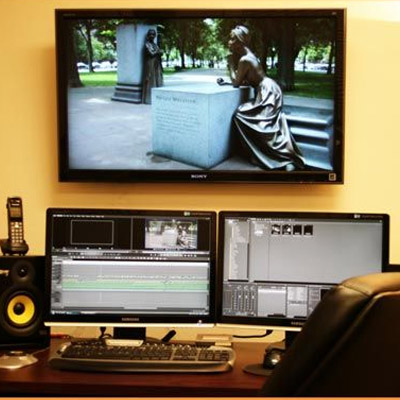
Video Editing places a very huge demand on PC resources, especially the RAM and Processor. In the recent past, video editing was restricted to Standard Definition (SD) formats. Nowadays, video editing features up to 4K resolution. Every year, new and latest editing software is released as updates.
This new software is coded with the latest and high-end features that task existing hardware. This is the reason why you must build a future-proof editing PC that should last at least 5-8 years. When building a custom PC for Video Editing, you must take note of the following:
- You need a powerful multi-core processor, preferably a recent or latest generation
- A fast NVMe boot drive
- You are going to need lots of RAM, as much as your motherboard can support (as much as 16-64GB)
- You should get a huge storage disk (from 4TB and above), or better still, go for the RAID option
With these specs in addition to others, your video editing rig will be able to handle just about any task you give it. Please see our guide on building the ultimate video editing PC. There’s also a build guide for video editing on all budgets.
What about Graphic Designers?
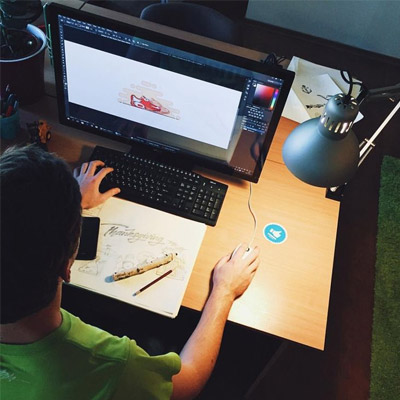
If you are into graphic design as a profession, you need a certain configuration for your custom PC build. Graphic designers work mainly with design software such as Adobe Illustrator and Photoshop, CorelDraw, Adobe Indesign, etc.
These classes of software are productivity and professional-level apps that do not place very great demand on the main PC components, such as a graphics card. Nevertheless, there are a few considerations:
- You should seriously consider getting an NVMe drive
- Your RAM should be at least 8GB
- Lots of storage is an advantage, at least 3TB for storing your files.
- Your processor should be at least a quad-core processor.
- You may need a professional monitor for color accuracy
- You may need to buy a software subscription
You can check out our build recommendations for a graphic design PC build for all budgets, and the ultimate graphic design PC. We also reviewed the best monitor for Graphic Design.
Custom PC Build for 3D Artists and Designers

3D design artists need peculiar hardware optimized for rendering because 3D rendering is a CPU-intensive operation. 3D software such as Autodesk 3DS Max, Maya, or Houdini continually releases updates with newer features every year.
These updates sometimes place additional demands on the previous generation CPU, making them look like amateurs. This is why you need to take some considerations into account before you build a custom PC for rendering. They are as follows
- Spend the most money on the highest or higher multi-core CPU. You’d be glad you did. This is because when it comes to rendering, the more cores, the faster your renders.
- When buying a Graphics Card, ensure it can provide hardware rendering which is supported by some 3D software.
- A fast SSD/NVMe is an advantage.
- You will need a software subscription in some cases.
We have prepared a comprehensive guide on building a custom PC for 3D rendering and you should check it out. There’s also a Threadripper PC build for max rendering performance.
RELATED ARTICLE

Build a VR-Ready PC – Full Guide & Recommendations
Want to go VR? Follow this guide to build a VR-Ready PC in with hardware recommendations.
PC Build for CAD/CAM/CAE professionals and Architects
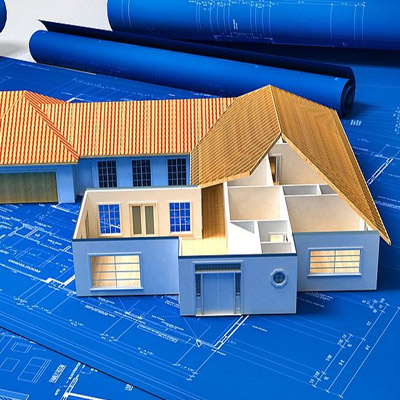
Computer-Aided Design (CAD), tasks the system processor greatly, just like 3D rendering. CAD rendering is processor-intensive, and as such the best processor is needed for smooth operation.
Software such as Solidworks, ArchiCAD, and STAADPro used in CAD have powerful rendering engines that can easily bring a PC to its knees in terms of performance. This is why you should bear these in mind before you build a PC for CAD:
- Invest in a high-end processor, preferably with many cores.
- The more RAM you can afford, the better
- An NVMe drive will speed things up
- You’ll probably need a liquid cooler
- You will probably need to invest in a professional graphics card. Gaming cards don’t cut it when it comes to this kind of workflow.
You can check out our guide on the best 3D Rendering machine, or if you want a workstation laptop for rendering, we have reviewed a total of the best workstation laptops for Solidworks, which can still serve for general 3D workflows. We also published a review on the best Laptops you can use for AutoCAD.
Custom PC Build for everyday office use
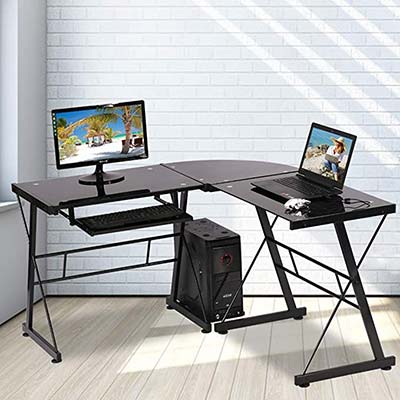
Use your PC for normal office work such as typing, printing, reading emails, and replying? Well, you don’t need special hardware. Don’t make the mistake of thinking you must get the best hardware before it can work satisfactorily. Here are some considerations:
- You should get at least a dual-core processor
- Your RAM shouldn’t be more than 8GB
- You should make sure your processor has integrated graphics
- You don’t need a dedicated graphics card.
When you want to build a custom PC for everyday office use, you shouldn’t spend money on high-end hardware which is for specialized applications.
Our guide on custom PC for everyday use covers in detail what you should consider and the best hardware for the price. Here’s our recommended build for a small home office PC.
Conclusion
Do you think it’s worth it to DIY build a PC? We think so. Follow this link to learn how to build your PC step by step. Share your concerns and questions on your experience building a custom PC for discussion below. Let’s hear from you.