


If your timeline is choking on 4K footage and your CPU is sweating like it just ran a marathon in a sauna, you are probably overdue for a hardware rethink. Choosing the best CPU and GPU for video editing in Premiere Pro and DaVinci Resolve is not as straightforward as picking the most expensive chip on the shelf – the software you use, the codec you shoot in, and whether you lean on GPU acceleration all play a role in what actually moves the needle. In 2026, both AMD and Intel have made serious moves in the creator space, and the GPU landscape has never been more competitive.
This guide breaks down the best options across three tiers – budget, best value, and high-end – for both platforms. Whether you are cutting wedding films in Premiere or grading cinema-quality footage in DaVinci Resolve, there is a pairing here that fits your workload and your wallet.
What Premiere Pro and DaVinci Resolve Actually Need
Both applications are CPU-intensive at their core, but they handle GPU acceleration differently. Premiere Pro leans heavily on the CPU for timeline playback, export encoding, and effects rendering, while DaVinci Resolve is notably more GPU-dependent, particularly for color grading and noise reduction with DaVinci Neural Engine.
For most editors in 2026, the sweet spot is a high-core-count CPU paired with a GPU that has strong VRAM capacity and solid compute performance. NVENC (NVIDIA), AMF (AMD), and Quick Sync (Intel) hardware encoders also matter a great deal for export speed, especially if you are churning out content daily.
Key things to prioritize when selecting your hardware:
- Core count and clock speed balance (more cores help with multi-threaded rendering)
- GPU VRAM – 12GB minimum for serious 4K work, 16GB or more for 6K and above
- Hardware encoder quality for faster exports
- Memory bandwidth – faster RAM feeds your CPU more data per second
- Thermal headroom for sustained workloads (video editing is not a sprint)
Best Budget CPU and GPU for Video Editing in Premiere Pro and DaVinci Resolve
Intel – Budget Pick
CPU: Intel Core i5-13600K | GPU: Intel Arc B580
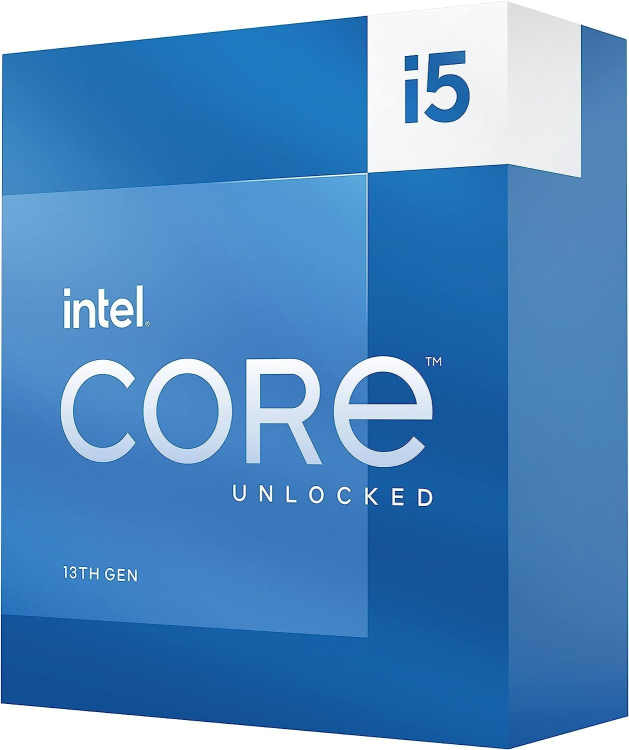
Core i5-13600K
The i5-13600K and Arc B580 is an unconventional pairing that actually earns its place in a budget editing setup. Premiere Pro runs well on the 13600K’s hybrid core layout, handling timeline scrubbing and multicam cuts without stalling. The B580 brings AV1 hardware acceleration to the table, which matters more than its price suggests – DaVinci Resolve in particular leans on it hard for decode-heavy timelines. Not a suite for 8K raw, but for 1080p and 4K H.264/HEVC work, this combination is quietly competent.
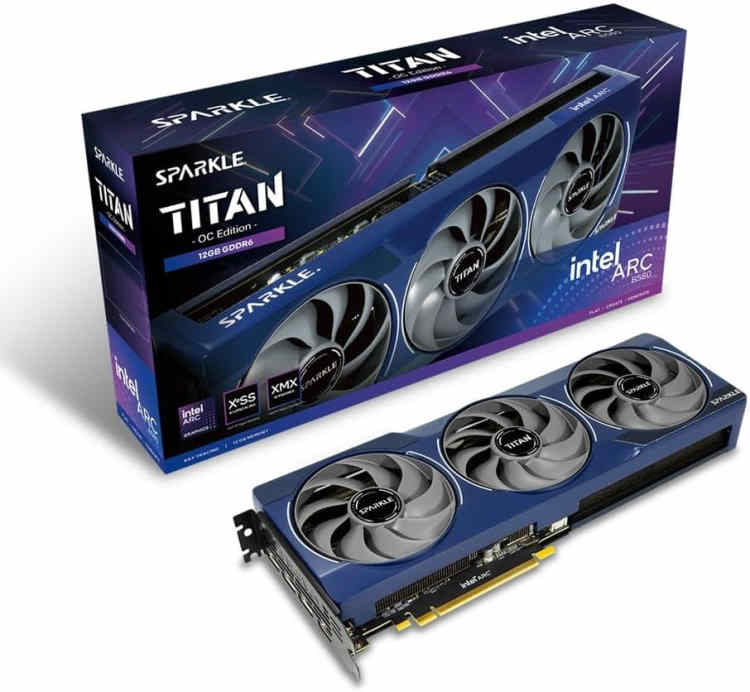
Intel Arc B580 Titan OC
The Core i5-13600K remains a surprisingly capable editing chip in 2026. With 14 cores (6P + 8E) and strong single-threaded performance, it handles 1080p and light 4K timelines in Premiere without complaint. It is not a powerhouse, but it punches well above its price class.
Pair it with the Intel Arc B580, and you get 12GB of GDDR6 VRAM at a price that borders on absurd. The B580 has matured considerably since its launch – driver stability is solid in 2026, and its XeSS upscaling and AV1 hardware encoding make it genuinely useful for content creators who export to YouTube or streaming platforms regularly.
Strengths:
- Excellent price-to-performance ratio for entry-level editing rigs
- 12GB VRAM on the Arc B580 is rare at this price point
- AV1 hardware encoding accelerates YouTube exports significantly
- Quick Sync on the i5-13600K adds another layer of encode acceleration in Premiere
Weaknesses:
- DaVinci Resolve’s Neural Engine performs better with NVIDIA CUDA or AMD’s ROCm stack
- Arc B580 still lags behind in some compute-heavy Resolve tasks like heavy noise reduction
- The i5-13600K can throttle under sustained 4K export loads without adequate cooling
AMD – Budget Pick
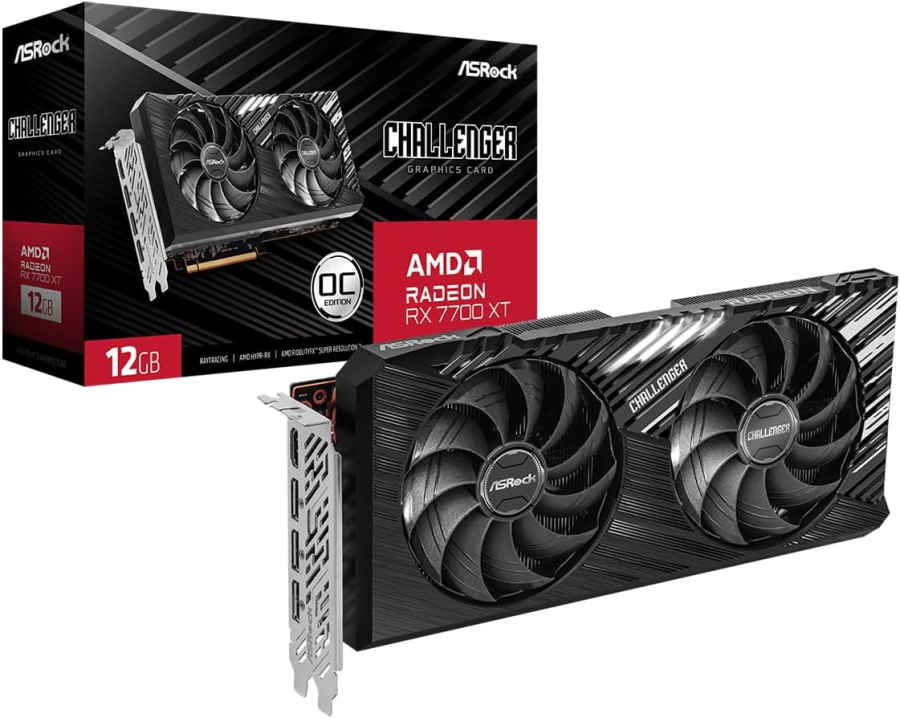
CPU: AMD Ryzen 5 7600 | GPU: AMD Radeon RX 7700 XT
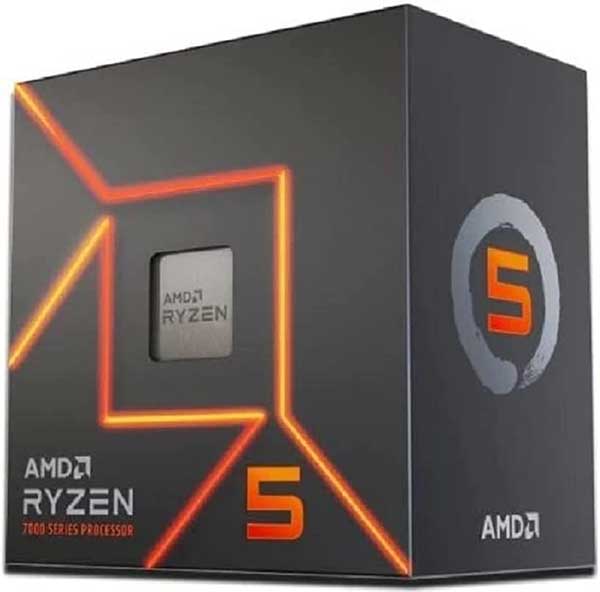
Ryzen 5 7600
The Ryzen 5 7600 and RX 7700 XT make a tidy team for editors who aren’t yet billing at the top tier. Premiere Pro’s GPU acceleration takes to the 7700 XT well, keeping 4K timelines smooth without constant dropped frames. The 7600 handles the heavier CPU-side lifting – audio sync, export queues, mixed codec timelines – without bottlenecking the card. DaVinci Resolve is the stronger argument here; AMD’s OpenCL performance on the 7700 XT is solid enough for color work and noise reduction at 4K. A capable, cohesive build for independent editors and content creators moving serious volume.
ASRock AMD Radeon RX 7700 XT Challenger
The Ryzen 5 7600 is a six-core chip that runs cool, encodes fast with AMF, and sits on the AM5 platform – meaning it has upgrade headroom that the older AM4 boards simply cannot offer anymore. It handles H.264 and H.265 timelines in Premiere without breaking a sweat.
The RX 7700 XT brings 12GB of GDDR6 and strong rasterization performance. In DaVinci Resolve, AMD’s OpenCL support is well-optimized, and the 7700 XT handles 4K color grading sessions with respectable fluidity. It is a sensible pairing for editors who are not yet ready to invest in the high-end tier.
Strengths:
- AM5 platform longevity – future CPU upgrades are viable without swapping the board
- 12GB VRAM handles most 4K editing scenarios comfortably
- AMD’s AMF encoder is competitive with NVENC for H.265 output
- Runs cool and efficient under sustained editing workloads
Weaknesses:
- Six cores can feel limiting during heavy multi-track or effects-laden timelines
- CUDA-exclusive plugins in Premiere will not run on AMD GPUs
- The 7700 XT trails NVIDIA options in DaVinci’s AI-based noise reduction speed
Best Value CPU and GPU for Video Editing in Premiere Pro and DaVinci Resolve
Intel – Value Pick
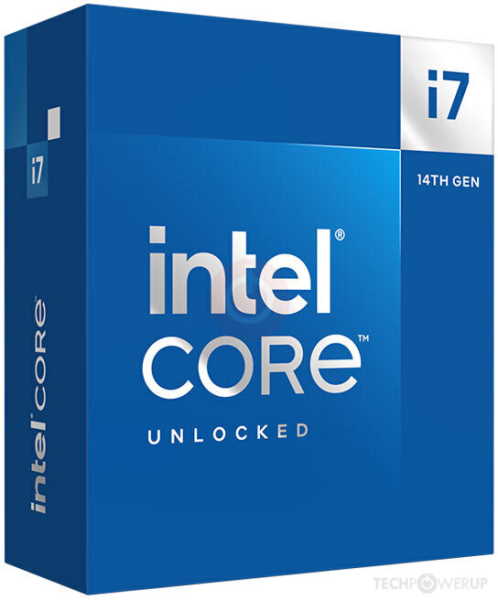
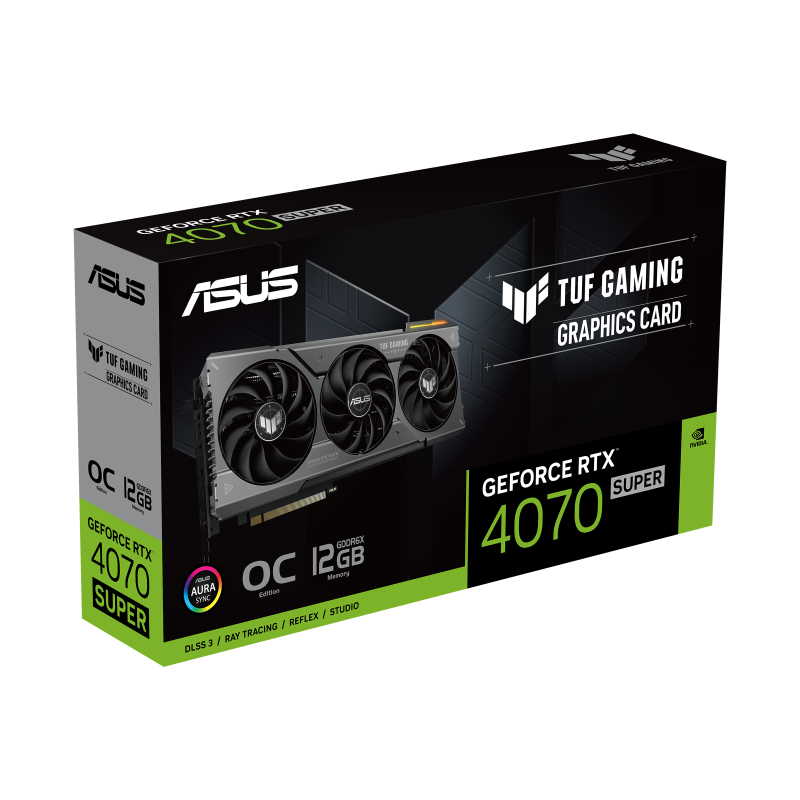
CPU: Intel Core i7-14700K | GPU: ASUS TUF Gaming GeForce RTX 4070 Super
Core i7-14700K
The i7-14700K and RTX 4070 Super is where budget editing ends and genuine professional territory begins. Premiere Pro’s Mercury Playback Engine runs comfortably on the 4070 Super’s CUDA cores, and the 14700K’s 20-core layout gives export queues and background rendering enough headroom to run without throttling your active timeline. DaVinci Resolve is the real beneficiary – NVIDIA’s performance on Resolve’s GPU-accelerated nodes, noise reduction, and Fusion compositing is among the best available outside a dedicated workstation card. Editors cutting long-form documentary, commercial, or multi-camera event work will find this combination holds up under sustained pressure.
ASUS TUF Gaming GeForce RTX 4070 OC Edition
The i7-14700K is a workhorse. Twenty cores, a high boost clock, and excellent memory throughput make it one of the better editing CPUs at its price point in 2026. Premiere Pro in particular benefits from its multi-core layout when handling complex multi-cam sequences or stacked effects.
The ASUS TUF RTX 4070 Super is a well-rounded GPU for video editing. Its 12GB GDDR6X frame buffer, DLSS 3.5 support, and best-in-class NVENC encoder make it a strong performer in both Premiere and Resolve. NVIDIA’s CUDA ecosystem also means you get full compatibility with third-party plugins like Red Giant and Boris FX.
Strengths:
- 20-core layout handles complex timelines and background exports simultaneously
- NVENC on the 4070 Super is among the best hardware encoders available in 2026
- Full CUDA support unlocks the entire Premiere and Resolve plugin ecosystem
- Strong sustained performance under thermal load with the TUF cooling solution
Weaknesses:
- The i7-14700K runs hot under load; a quality cooler is non-negotiable
- 12GB VRAM can feel tight when working with 6K RAW or heavy Resolve node trees
- Intel’s LGA1700 platform is reaching end of life – limited upgrade path beyond this generation
AMD – Value Pick
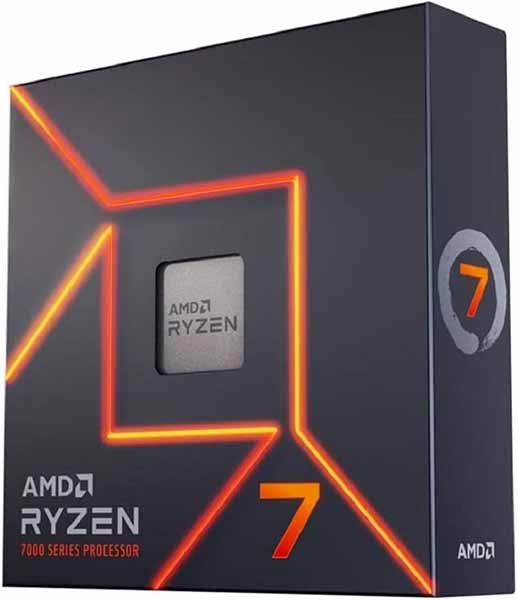
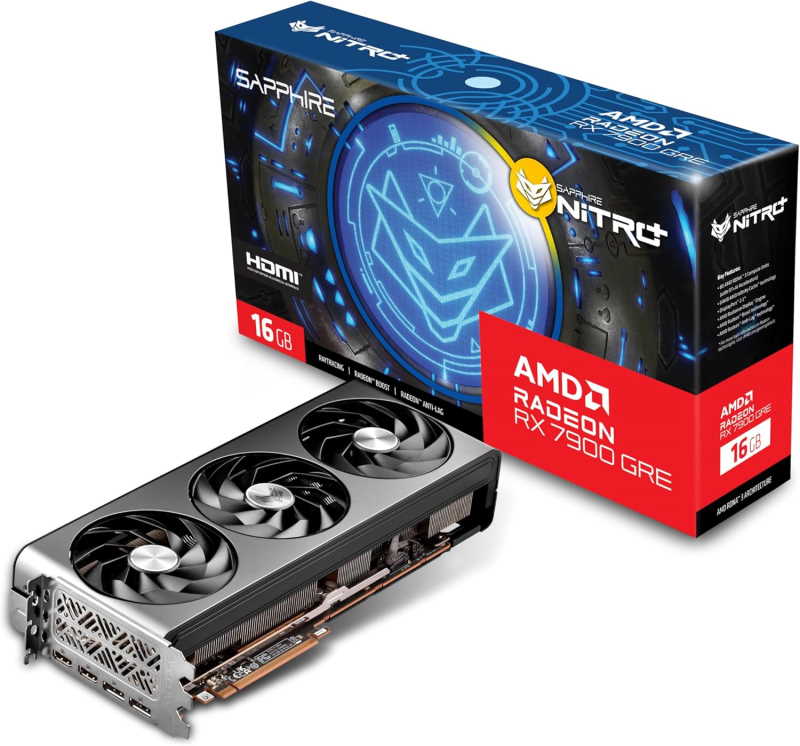
CPU: AMD Ryzen 7 7700X | GPU: Sapphire Nitro+ Radeon RX 7900 GRE
Ryzen 7 7700X
The Ryzen 7 7700X and RX 7900 GRE is a strong AMD pairing for editors who spend serious time in DaVinci Resolve’s Color page. The 7900 GRE handles 4K ProRes and BRAW timelines with room to spare, while Resolve’s OpenCL support has matured enough to close most of the gap with NVIDIA. The 7700X keeps Premiere Pro’s CPU workload clean without drama.
Sapphire Nitro+ AMD Radeon RX 7900 GRE
The Ryzen 7 7700X offers eight Zen 4 cores with a high boost clock and excellent IPC. It is a natural fit for editors who want responsive timeline scrubbing and fast single-threaded operations without paying flagship prices. DaVinci Resolve in particular responds well to its memory bandwidth characteristics.
The Sapphire Nitro+ RX 7900 GRE is one of the better value propositions in the GPU market right now. With 16GB of GDDR6, it gives you serious headroom for 4K and even 6K grading sessions in Resolve. Sapphire’s cooling solution keeps it quiet under sustained loads, which matters when you are in a long color session.
Strengths:
- 16GB VRAM on the 7900 GRE is a meaningful upgrade over 12GB options at a comparable price
- Excellent DaVinci Resolve performance, particularly for color grading workloads
- AM5 platform offers a clear upgrade path to future Ryzen generations
- Sapphire Nitro+ cooling is quiet and effective for long editing sessions
Weaknesses:
- Eight cores can bottleneck in Premiere Pro during simultaneous export and playback
- AMD GPUs still lack CUDA, which limits plugin compatibility in Premiere
- DaVinci’s AI features are slower on AMD compared to NVIDIA’s Tensor core-accelerated equivalents
Best High-End CPU and GPU for Video Editing in Premiere Pro and DaVinci Resolve
Intel – High-End Pick
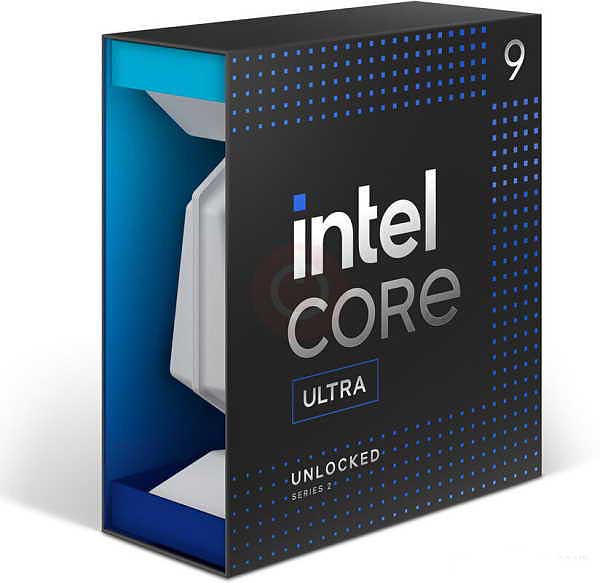
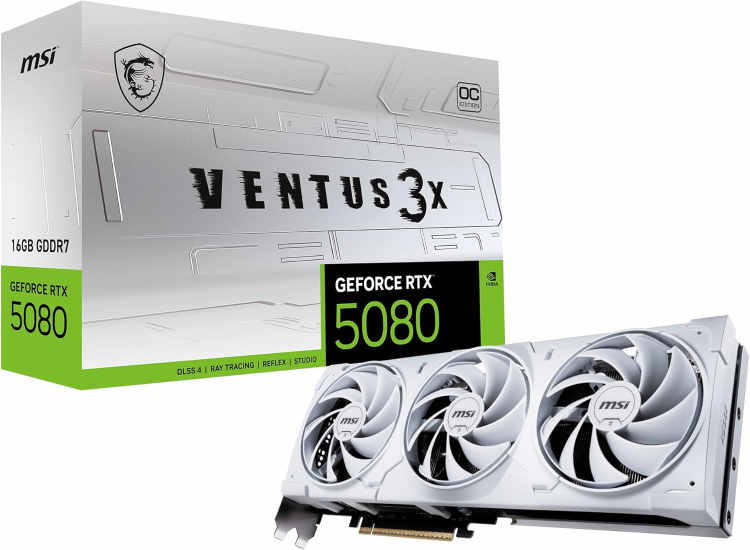
CPU: Intel Core Ultra 9 285K | GPU: MSI Gaming GeForce RTX 5080
Core Ultra 9 285K
The Core Ultra 9 285K and RTX 5080 is a workstation-grade editing rig wearing a desktop price tag. The 5080’s CUDA performance in DaVinci Resolve is exceptional – noise reduction, optical flow, and Fusion compositing run at speeds that would have required a dedicated studio machine two years ago. Premiere Pro’s AI tools get the NPU advantage from the 285K on top of that. Editors cutting 6K or 8K raw footage, or running multiple GPU-accelerated effects stacks simultaneously, will finally stop waiting on renders.
MSI Gaming RTX 5080 Ventus 3X OC
The Core Ultra 9 285K is Intel’s current flagship for the Arrow Lake platform. It brings 24 cores, improved efficiency architecture, and strong memory controller performance that benefits both Premiere and Resolve when handling high-bitrate footage. If you are editing 8K or working with RAW formats like BRAW or R3D, this chip does not flinch.
The MSI Gaming RTX 5080 is an absolute unit for creative workloads in 2026. With 16GB of GDDR7, fifth-generation Tensor cores, and NVENC AV1 encoding, it accelerates every stage of the editing pipeline. DaVinci Resolve’s Neural Engine absolutely flies on this card, and Premiere’s GPU-accelerated effects render in real time on even the most stacked timelines.
Strengths:
- 24-core layout handles 8K timelines, background rendering, and AI tasks without compromise
- RTX 5080’s Tensor cores accelerate DaVinci Resolve’s AI noise reduction dramatically
- GDDR7 on the 5080 delivers exceptional memory bandwidth for large frame buffers
- Best-in-class NVENC AV1 encoder for the fastest possible streaming and delivery exports
- Full plugin ecosystem compatibility across Premiere and Resolve
Weaknesses:
- Significant cost – this pairing is not for the faint of wallet
- The Core Ultra 9 285K requires a Z890 board and DDR5, which adds to overall system cost
- RTX 5080 runs warm under sustained compute loads; premium cooling is required
AMD – High-End Pick
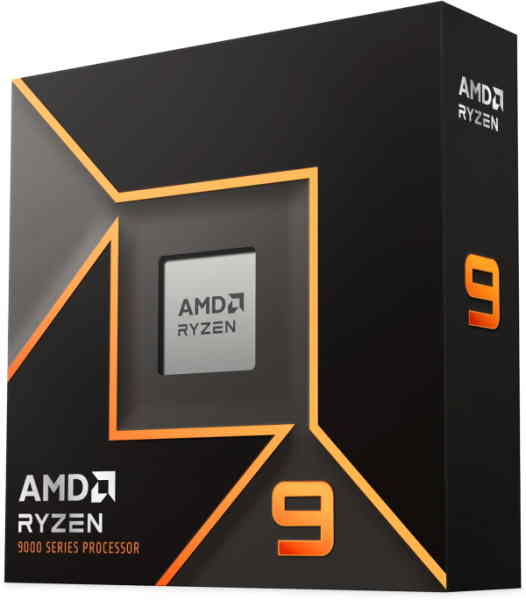
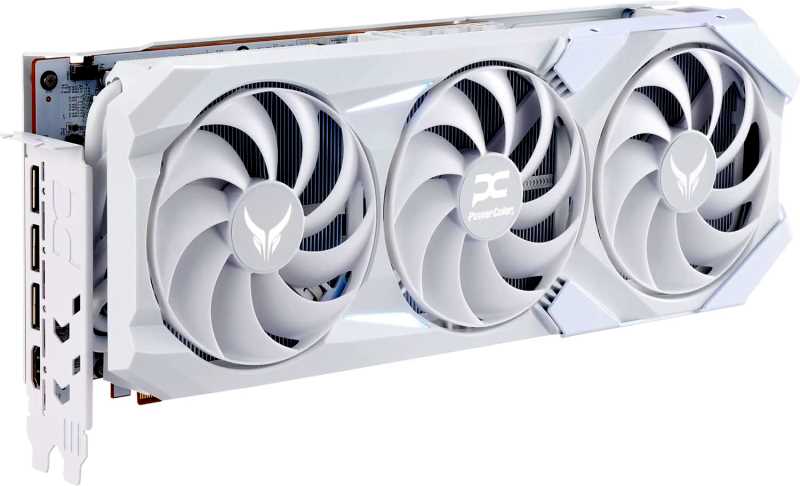
CPU: AMD Ryzen 9 9950X | GPU: PowerColor Red Devil Radeon RX 9070 XT
Ryzen 9 9950X
The Ryzen 9 9950X and RX 9070 XT is a well-matched AMD build for editors who work at volume. Sixteen cores give DaVinci Resolve and Premiere Pro genuine multitasking headroom, while the 9070 XT handles 4K GPU-accelerated workloads with enough VRAM to avoid constant memory pressure. Resolve’s color engine runs smoothly on RDNA 4, and the 9950X’s export throughput means long-form timelines clear the queue without the usual wait.
PowerColor Red Devil Spectral White Radeon RX 9070 XT
The Ryzen 9 9950X is AMD’s top-tier consumer CPU in 2026, featuring 16 Zen 5 cores with exceptional IPC and memory throughput. It is genuinely one of the best processors available for video editing workloads, particularly in DaVinci Resolve where its raw multi-threaded horsepower translates directly to faster render times.
The PowerColor Red Devil RX 9070 XT is AMD’s latest high-end GPU, and it is a serious contender. With 16GB of GDDR6 and a refined RDNA 4 architecture, it delivers strong compute performance and improved AI acceleration compared to previous AMD generations. DaVinci Resolve’s OpenCL and ROCm paths run well on this card, and the AMF encoder has reached near-parity with NVENC for H.265 delivery.
Strengths:
- 16 Zen 5 cores make the 9950X one of the fastest consumer CPUs for rendering in 2026
- 16GB GDDR6 on the RX 9070 XT handles 6K and 8K Resolve sessions with confidence
- RDNA 4 brings meaningful AI acceleration improvements over RDNA 3
- AM5 platform with full DDR5 support and a clear upgrade roadmap
- PowerColor Red Devil cooling is premium-grade and whisper-quiet under load
Weaknesses:
- CUDA-exclusive Premiere plugins remain out of reach on AMD GPUs
- NVIDIA still leads in DaVinci Resolve AI processing speed due to Tensor core architecture
- The 9950X generates significant heat; a 360mm AIO or high-end air cooler is necessary
Putting it Together
Choosing between these pairings comes down to your primary software, your budget ceiling, and how much you care about plugin compatibility. If Premiere Pro is your main tool and you use third-party plugins regularly, NVIDIA is the safer GPU choice at every tier. If DaVinci Resolve is your primary environment and you are mostly doing color work without heavy AI noise reduction, AMD’s value proposition at the mid and high end is genuinely competitive.
A few practical notes worth keeping in mind before you commit to a build:
- RAM matters more than most editors realize. Aim for 32GB DDR5 at minimum for 4K work; 64GB if you are editing 6K or above in Resolve.
- Your NVMe drive speed affects media cache performance in both applications. A PCIe 4.0 or 5.0 drive with sustained read speeds above 5,000 MB/s makes a tangible difference when scrubbing through high-bitrate timelines.
- If you are building from scratch and want a guided walkthrough of the assembly process, this step-by-step DIY PC build guide covers everything from mounting the CPU to cable management.
- Do not neglect your PSU. A high-end GPU like the RTX 5080 or RX 9070 XT can spike well above 300W under load. A quality 850W to 1000W unit is the floor, not the ceiling.
Also worth noting: both Premiere Pro and DaVinci Resolve benefit from enabling hardware acceleration in their settings. It sounds obvious, but a surprising number of editors leave this disabled after a fresh install, then wonder why their timeline feels like it is rendering through wet concrete.
Optimizing Your Build for Video Editing
Hardware is only half the equation. Getting the most out of your CPU and GPU pairing requires some deliberate configuration on the software side as well.
In Premiere Pro, set your renderer to GPU Acceleration (CUDA for NVIDIA, OpenCL for AMD and Intel Arc). Enable hardware encoding in Export settings to route the job to your GPU’s dedicated encoder rather than the CPU. For proxy workflows, ProRes Proxy or H.264 at half resolution keeps your timeline responsive even on mid-range hardware.
In DaVinci Resolve, navigate to Preferences and confirm that your GPU is listed under the CUDA or OpenCL processing tab. Allocate as much VRAM as the application allows. For heavy noise reduction passes, NVIDIA’s Magic Mask and AI tools run significantly faster with CUDA enabled – this alone can justify the premium over AMD at the high-end tier for professional colorists.
A few additional optimizations worth applying:
- Set your media cache and scratch disk to a dedicated NVMe drive, separate from your OS drive
- Disable background indexing in Premiere during active editing sessions
- In Resolve, use optimized media for offline editing and switch to full-quality only during final grading
- Keep your GPU drivers current – both AMD and NVIDIA push performance updates for creative applications regularly in 2026
- Enable XMP or EXPO in your BIOS to ensure your RAM is running at its rated speed
Concluding Thoughts
The best CPU and GPU for video editing in Premiere Pro and DaVinci Resolve in 2026 depends on where you sit in the workflow and what you are willing to spend. At the budget end, the Intel Arc B580 and AMD RX 7700 XT both deliver more VRAM per dollar than anything that came before them. In the value tier, the RTX 4070 Super remains a dominant force for Premiere users, while the RX 7900 GRE gives Resolve editors serious 16GB headroom at a fair price. At the top of the stack, the RTX 5080 is the GPU to beat for AI-accelerated editing tasks, and the Ryzen 9 9950X is arguably the finest multi-threaded consumer CPU available for rendering in 2026.
Pick the tier that matches your actual workload, not the one that looks best in a benchmark chart. Your deadlines will thank you.
All Articles