


So you’ve been staring at your timeline in DaVinci Resolve, watching the playback stutter like a dial-up connection in 1998, and now you’ve actually Googled: how essential is discrete GPU for video editing software? Is it a hard requirement, or just something GPU vendors want you to believe so you spend your hard-earned 600 bucks on a graphics card? The honest answer is more layered than a 4K RAW timeline with 47 adjustment layers, and it depends heavily on what you’re editing, how often, and which software you’re using.
In 2026, video editing has become one of the most GPU-sensitive workflows outside of 3D rendering and machine learning. But “GPU-sensitive” does not automatically mean you will always need a discrete card. Let’s unpack the full picture.
What Video Editing Software Actually Does With Your GPU
Modern video editing applications like DaVinci Resolve, Adobe Premiere Pro, and Final Cut Pro (macOS) have shifted a significant portion of their processing pipeline onto the GPU. Color grading, effects rendering, noise reduction, and hardware-accelerated decoding all lean on graphics compute rather than CPU cycles.
DaVinci Resolve is the most demanding of the bunch. It was built from the ground up as a GPU-first application, and Blackmagic Design has never been shy about that. Premiere Pro is more forgiving, using GPU acceleration selectively while offloading a fair amount to the CPU. Final Cut Pro on Apple Silicon is its own conversation entirely.
The key question is whether integrated graphics can handle this workload, or whether you genuinely need a discrete card to stay productive.
Best Integrated Graphics for Video Editing in 2026
Integrated graphics have come a long way. If you were editing 1080p footage on a budget machine five years ago, iGPU performance was essentially a joke. In 2026, that has changed considerably, though not without limits.
Here are the best CPUs with integrated graphics for video editing right now:
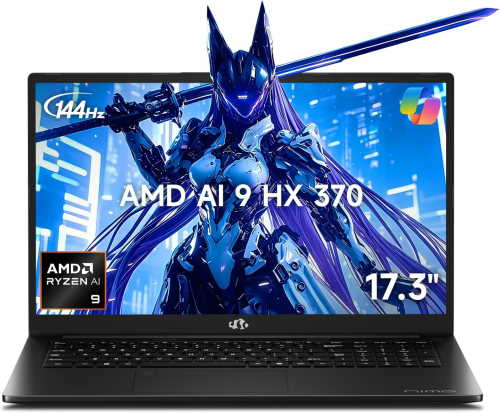
AMD Ryzen 9 8950HX / Ryzen AI 9 HX 370
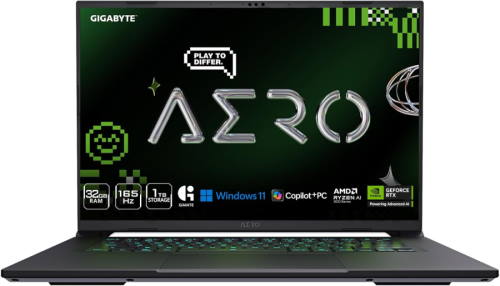
GIGABYTE AERO X16
Was: $1,689.00
Currently Unavailable
64 Reviews
See on AmazonPrice incl. tax, excl. shipping
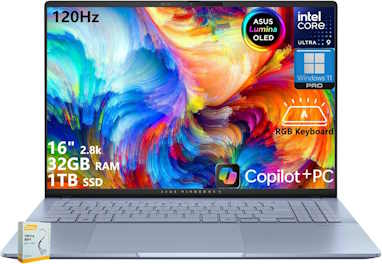
ASUS Vivobook S16
Was: $1,489.00
Currently Unavailable
42 Reviews
See on AmazonPrice incl. tax, excl. shipping
AMD’s RDNA 3.5 iGPU in these mobile chips handles 4K H.264/H.265 decode with hardware acceleration and performs reasonably well in Premiere Pro for 1080p and light 4K work.
Intel Core Ultra 9 285K (Arrow Lake)
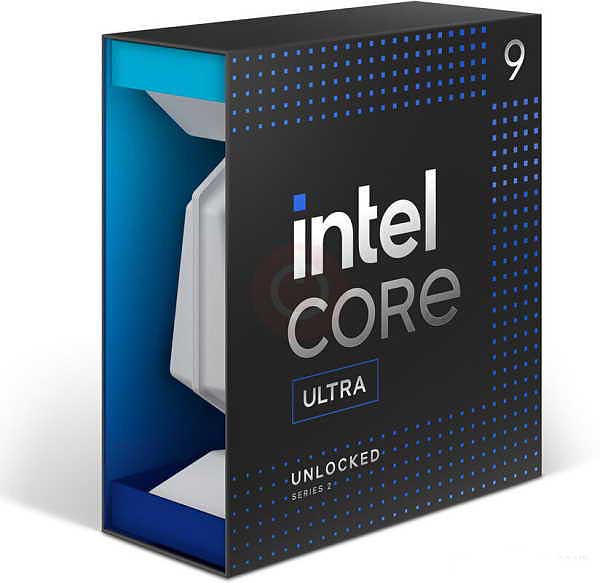
Core Ultra 9 285K
Intel’s Xe2-based integrated graphics on Arrow Lake desktop CPUs offer improved media engine support, including AV1 hardware decode, which is increasingly relevant in no-dedicated-GPU video editing workflows.
The Core Ultra 9 285K’s integrated graphics are built on Intel’s Xe architecture with 4 Xe-cores, which is a meaningful step above the token iGPUs found in most desktop chips. For light video editing – trimming clips, basic colour adjustments, simple timelines in 1080p – it holds up adequately. Premiere Pro will recognise it for GPU acceleration, though the performance ceiling is low. DaVinci Resolve is more demanding and will expose the limitations quickly on anything beyond a straightforward cut. Treat it as a functional stopgap while saving for a discrete card, not a permanent editing solution.
Intel Core Ultra 7 265K
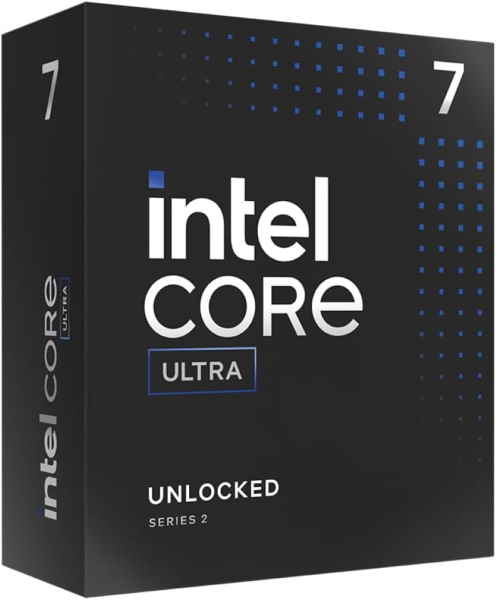
Core Ultra 7 265K
A solid mid-tier option with Intel Xe2 graphics; handles 4K timeline scrubbing in Premiere Pro without breaking a sweat for standard codecs.
The Core Ultra 7 265K’s integrated Xe graphics follow the same logic as its bigger sibling, with slightly less headroom. Basic 1080p editing in Premiere Pro is manageable – cuts, simple transitions, light colour work – but the shared memory architecture means performance is sensitive to how much system RAM you’ve allocated to the iGPU. DaVinci Resolve will feel the constraint sooner, particularly on anything GPU-node-heavy. Functional for occasional edits or a temporary setup, but editors working with 4K footage or sustained timelines will hit the ceiling fast.
AMD Ryzen 5 8600G
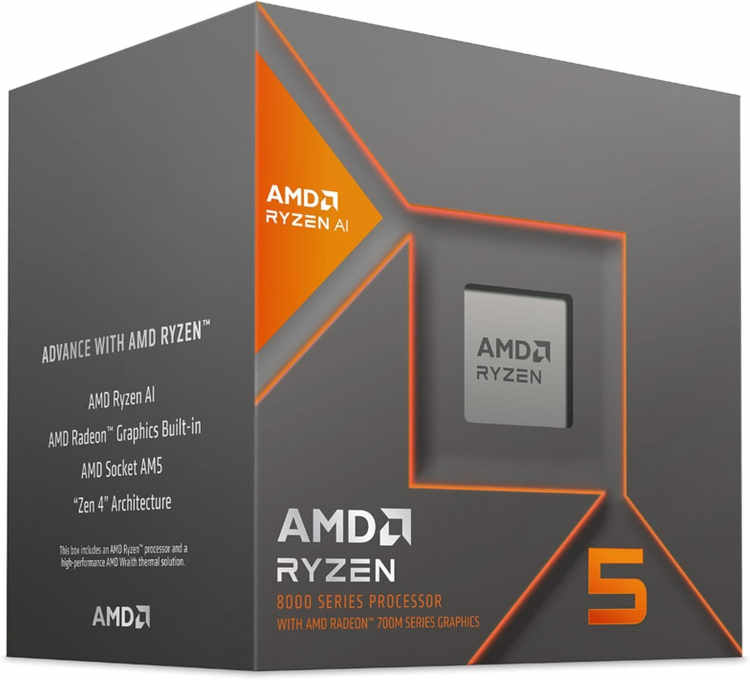
Ryzen 5 8600G
A step down from the 8700G but still capable for 1080p editing in Premiere Pro and basic Resolve timelines. Good for content creators on a tight budget.
The Ryzen 5 8600G carries AMD’s Radeon 760M integrated graphics, the most capable iGPU in this class for the money. Light 1080p editing in Premiere Pro runs reasonably well, and the 760M’s hardware acceleration handles H.264 and HEVC decode without leaning entirely on the CPU. DaVinci Resolve is workable for basic cuts and colour grading at 1080p, though complex node trees will surface the limits quickly. For a budget build without a discrete GPU yet, it offers more breathing room than Intel’s Xe alternatives at a similar price point.
AMD Ryzen 7 8700G
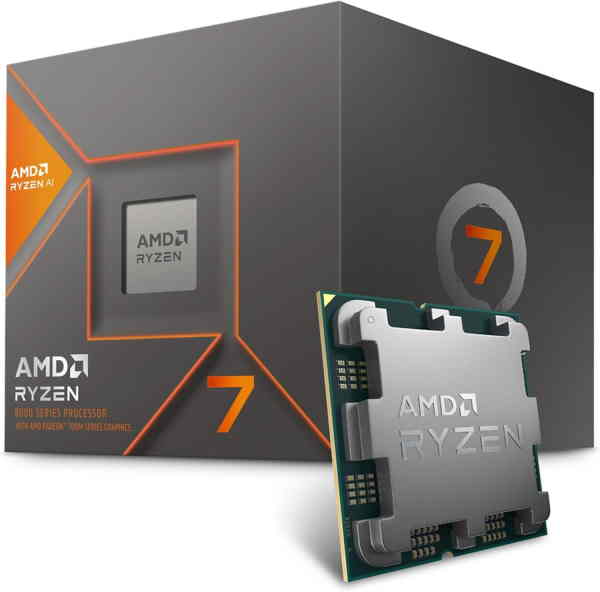
Ryzen 7 8700G
The desktop Hawk Point APU with Radeon 780M graphics remains one of the strongest integrated graphics solutions for desktop video editing. It supports OpenCL and can run DaVinci Resolve with limited node complexity.
The Ryzen 7 8700G steps up to the Radeon 780M, the strongest integrated graphics solution currently available on a desktop chip. Premiere Pro handles 1080p timelines comfortably, and 4K H.264 footage is manageable with proxy workflows in place. DaVinci Resolve performs better here than on any competing iGPU – basic colour grading and noise reduction at 1080p run without constant frustration. It won’t replace a discrete card for sustained 4K or effects-heavy work, but as a self-contained editing machine on a tight budget, the 8700G sets the ceiling for what integrated graphics can reasonably deliver.
Intel Core Ultra 5 245K
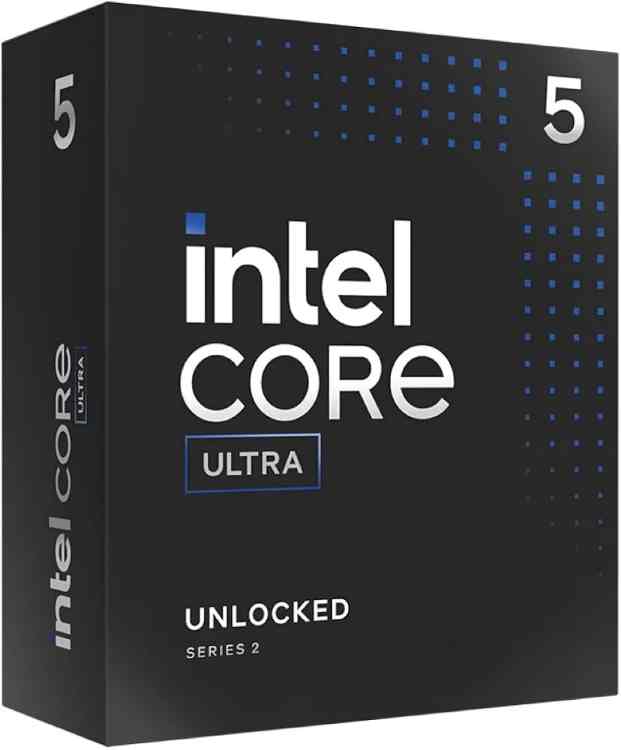
Core Ultra 5 245K
Entry-level Arrow Lake desktop with Xe2 iGPU; workable for Premiere Pro with proxy workflows, though it will struggle with effects-heavy 4K timelines.
The Core Ultra 5 245K’s integrated Xe graphics sit at the modest end of Intel’s desktop iGPU lineup. Premiere Pro will run at 1080p for straightforward cuts and basic colour work, but the limited compute units leave little margin for anything more demanding. DaVinci Resolve is functional only in the lightest sense – simple timelines at 1080p with minimal node complexity. Of the Intel desktop chips with integrated graphics, this one makes the weakest case for editing without a discrete GPU alongside it.
The AMD Ryzen 7 8700G deserves special mention here. For a desktop build without a discrete GPU, it is currently the most capable integrated graphics option for video editing. Its Radeon 780M iGPU has 12 compute units running at up to 2900 MHz, and it supports hardware-accelerated encoding and decoding for H.264, H.265, and AV1.
Integrated Graphics vs Dedicated GPU for Video Editing: The Real Comparison
This is where things get genuinely interesting. The integrated graphics vs dedicated GPU for video editing debate is not as one-sided as hardware enthusiasts typically frame it.
For casual content creators editing 1080p YouTube videos in Premiere Pro with minimal effects, an AMD Ryzen 7 8700G or Intel Core Ultra 7 265K will handle the job without a dedicated card. Proxy workflows make this even more viable; editing in 1080p proxies from 4K source footage reduces GPU demand substantially.
However, the gap widens fast once you introduce:
- 4K or 6K RAW footage (especially from cameras like the Blackmagic Pocket 6K or Sony FX3)
- Color grading with multiple nodes in DaVinci Resolve
- Noise reduction using Resolve’s temporal or spatial NR tools
- Motion graphics and compositing in After Effects
- Multi-cam editing with more than four streams
- AI-based features like Resolve’s Magic Mask or Speed Warp
In these scenarios, integrated graphics will either refuse to cooperate or produce render times that make you question your career choices. DaVinci Resolve’s AI tools in particular are compute-hungry; they effectively require a discrete GPU with sufficient VRAM to function at a usable speed.
VRAM: The Hidden Bottleneck
One of the most overlooked aspects of this comparison is VRAM. Integrated graphics share system RAM, which is slower and more limited in effective bandwidth than dedicated GDDR6 or GDDR6X memory on a discrete card.
DaVinci Resolve, for instance, recommends a minimum of 8GB of VRAM for serious work, and 16GB for 4K+ pipelines with effects. No integrated graphics solution in 2026 allocates anywhere near that from shared system memory without significant performance compromise.
Recommended AMD Build for Video Editing with Discrete GPU
These components are hand-picked and vetted for compatibility, though we do not guarantee availability. They are suitable for an AMD-based PC build optimized for video editing workflows in DaVinci Resolve and Adobe Premiere Pro. If you do not like the recommendations, you can easily swap out unwanted parts and add new ones using the AI PC Builder tool. Simply click on the BUILD/CUSTOMIZE THIS button to get started.

- CPU: Ryzen 9 9900X$332.99
Price on Newegg
Amazon Price
- Motherboard: ASUS ProArt X870E Creator WiFi (Unavailable)$419.97
- GPU: Sapphire Pulse AMD Radeon RX 7800 XT$717.22
- RAM: Teamgroup T-Force Delta RGB 32GB$599.99
- Storage 1: Lexar 2TB NM1090 PRO PCIe Gen5 NVMe$599.99
- Storage 2: Toshiba X300 Pro 10TB (Unavailable)$499.99
- PSU: Apevia ATX-PR850W Prestige 850W 80+ Gold Certified$74.99
- Case: be quiet! Pure Base 600 ATX Case$104.90
- CPU Cooler: Thermalright Phantom Spirit 120 EVO CPU Cooler$46.90
TOTAL COST: $3,396.94
📊 Price History
[Prices updated: 3:23pm, 10/03/2026]
The RX 7800 XT’s 16GB of GDDR6 VRAM is a meaningful advantage for video editing in 2026. DaVinci Resolve’s color science runs well on AMD GPUs through OpenCL, and 16GB gives you room to work with 4K timelines, LUTs, and noise reduction simultaneously without hitting a wall.
Recommended Intel Build for Video Editing with Discrete GPU
These components are hand-picked and vetted for compatibility, though we do not guarantee availability. They are suitable for an Intel-based PC build optimized for video editing workflows, particularly in Adobe Premiere Pro and DaVinci Resolve. If you do not like the recommendations, you can easily swap out unwanted parts and add new ones using the AI PC Builder tool. Simply click on the BUILD/CUSTOMIZE THIS button to get started.

- CPU: Core Ultra 7 265K$344.99
- Motherboard: msi MEG Z890 ACE Gaming$590.32
- GPU: Asus TUF Gaming GeForce RTX 5070 (Unavailable)$1,099.00
- RAM: Teamgroup T-Force Delta RGB 32GB$599.99
- Storage 1: Lexar 2TB NM1090 PRO PCIe Gen5 NVMe$599.99
- Storage 2: Toshiba X300 Pro 10TB (Unavailable)$499.99
- PSU: Apevia ATX-PR850W Prestige 850W 80+ Gold Certified$74.99
- Case: be quiet! Pure Base 600 ATX Case$104.90
- CPU Cooler: Thermalright Phantom Spirit 120 EVO CPU Cooler$46.90
TOTAL COST: $3,961.07
📊 Price History
[Prices updated: 3:23pm, 10/03/2026]
NVIDIA’s CUDA ecosystem remains the gold standard for Premiere Pro and After Effects acceleration. The RTX 5070 in this build also supports NVENC, NVIDIA’s hardware encoder, which dramatically speeds up export times for H.264, H.265, and AV1 deliverables. If you export frequently, this alone justifies the discrete GPU investment.
Putting it Together
Assembling either of these builds is straightforward if you have done it before, but first-timers should not wing it. A methodical approach prevents costly mistakes like bent CPU pins or improperly seated RAM that refuses to POST. For a thorough walkthrough, the step-by-step DIY PC build guide on this site covers the full process from unboxing to first boot.
A few assembly notes specific to video editing builds:
- Install your NVMe drive in the primary M.2 slot (closest to the CPU) for maximum bandwidth; use a secondary slot for your media cache drive.
- Enable XMP/EXPO in BIOS to run your DDR5 RAM at its rated speed; video editing benefits noticeably from higher memory bandwidth.
- If using DaVinci Resolve, allocate GPU memory in the preferences panel; set it to the maximum your card allows for smoother playback.
- Consider a dedicated scratch disk (the secondary SSD or HDD in both builds above) for render cache files; this keeps your primary NVMe from filling up mid-project.
Optimizing Your Build for Video Editing
Hardware is only part of the equation. How you configure your software and workflow matters as much as the components inside the case.
Software Settings That Actually Matter
In DaVinci Resolve, navigate to Preferences > Memory and GPU and ensure your discrete GPU is selected as the primary processing device. On NVIDIA builds, enable CUDA; on AMD builds, enable OpenCL or ROCm if your version supports it.
In Premiere Pro, go to File > Project Settings > General and set the renderer to GPU Acceleration (CUDA for NVIDIA, OpenCL for AMD). This single setting has a measurable impact on real-time playback performance.
Proxy Workflows for Lower-End Machines
If you are working on a machine with integrated graphics only, proxy editing is your best friend. Generate 1080p or even 720p proxy files from your source footage, edit on those, then relink to the original files for final export. Both Premiere Pro and DaVinci Resolve support this natively.
This workflow makes integrated graphics genuinely viable for 4K source material, provided your CPU is fast enough for the initial transcode. An AMD Ryzen 7 8700G handles this well given its combined CPU and iGPU throughput.
Storage Speed and Its Impact on Editing
A slow storage drive can bottleneck your editing experience even with a powerful GPU. RAW video files are large and sequential; a PCIe 4.0 NVMe drive reading at 7000 MB/s will feed your GPU timeline buffer without interruption. A 5400 RPM HDD will not, regardless of how good your graphics card is.
Both builds above use fast NVMe as the primary drive for active projects, with mechanical or SATA storage reserved for archiving completed work.
More Like This >
What’s the Best Video Editing Build List?
Best CPU/GPU For Video Editing
Best Motherboard for 4K Video Editing
Conclusion
The question of how essential discrete GPUs are for video editing software does not have a single clean answer, but the pattern is consistent. For light 1080p work in Premiere Pro or basic YouTube content creation, a strong APU like the Ryzen 7 8700G or an Intel Core Ultra chip with Xe2 graphics will keep you productive without a dedicated card. The best integrated graphics for video editing in 2026 are genuinely capable within those limits.
Once you move into 4K RAW, DaVinci Resolve with color grading, AI-assisted tools, or any multi-stream workflow, a discrete GPU stops being optional and starts being the difference between a usable workstation and a machine that renders while you make coffee… twice.
The integrated graphics vs dedicated GPU for video editing argument ultimately resolves around your footage format, your software of choice, and how seriously you take your output quality. Both builds recommended above are capable of handling professional-grade timelines in 2026 without compromise.
Pick your platform, build smart, and stop letting your GPU be the reason your deadlines slip.
All Articles