


“I’m building a new workstation specifically for photo editing and want to make sure I’m future-proofed for the next few years.” That single sentence lands in our inbox more than almost any other. And it makes sense – Photoshop is a deceptively demanding application. It looks like a photo editor on the surface, but underneath it’s quietly stress-testing your CPU, RAM, and storage simultaneously. If you’ve ever waited for a high-res composite to render while your CPU fan sounds like a jet preparing for takeoff, I’m sure you can relate. So what’s the best CPU for Photoshop in 2026? Let’s break it down properly.
Photoshop doesn’t behave like a game engine or a video renderer. It’s single-threaded for most of its core operations – things like brush strokes, layer adjustments, and filter previews – but it leans on multi-core performance hard when you’re batch processing, running neural filters, or working with large layered PSDs. That dual nature makes CPU selection genuinely tricky.
This guide covers five CPUs worth serious consideration in 2026, categorized by use case: best value, best budget, best high-end, and best future-proofed. Two full build recommendations follow – one AMD, one Intel – so you can see how these chips fit into a real workstation configuration.
What Photoshop Actually Needs from a CPU
Before picking a chip, it helps to understand what Photoshop is actually doing with your processor. Adobe has optimized Photoshop to favor high single-core clock speeds over raw core counts. That means a chip with a blistering boost clock will often outperform a 16-core workstation chip in day-to-day editing tasks.
That said, multi-core performance still matters for specific workflows. Neural filters, generative fill, content-aware tools, and batch actions all distribute load across cores. If your work involves any of these regularly, core count becomes a real factor.
Here’s a quick breakdown of what to prioritize:
- Single-core performance: Brush response, layer operations, basic adjustments
- Multi-core performance: Batch processing, neural filters, generative AI tools
- Cache size: Larger L3 cache reduces latency when switching between large files
- Memory bandwidth: Critical when working with 16-bit or 32-bit color depth files
- TDP and thermals: A hot-running CPU under sustained load will throttle, killing your edit speed
Top 5 CPU Picks for Photoshop in 2026
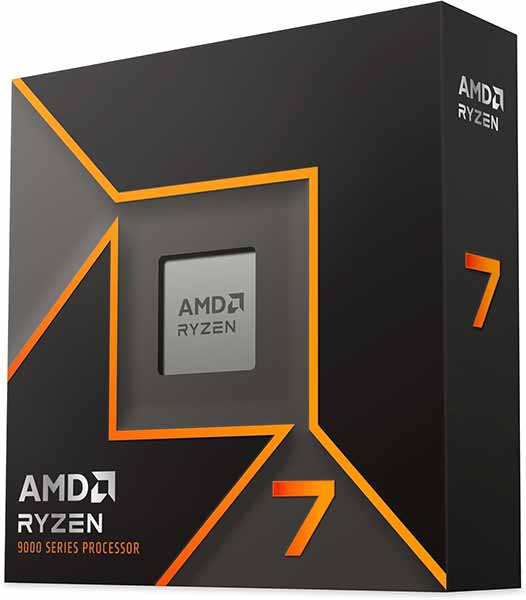
1. Best Value CPU for Photoshop – AMD Ryzen 7 9700X
The Ryzen 7 9700X sits in a sweet spot that’s hard to argue against. It runs on the AM5 platform, which means DDR5 support and PCIe 5.0 out of the box – both of which matter for a forward-looking workstation. Eight cores, sixteen threads, and a boost clock pushing past 5.5GHz give it genuine single-core bite.
For photographers working in Lightroom and Photoshop simultaneously, the 9700X handles both without breaking a sweat. Its 40MB L3 cache keeps large PSD files cycling efficiently, and it runs cool enough under load that you don’t need an industrial cooler to keep it stable. If you want a chip that punches above its price bracket without demanding an exotic cooling setup or a premium motherboard, this is the one to beat in 2026.
Ryzen 7 9700X
The 9700X is the kind of chip that makes Photoshop feel effortless on a budget that doesn’t hurt. Filters apply cleanly, large PSDs open without drama, and it handles the workload without turning your desk into a space heater.
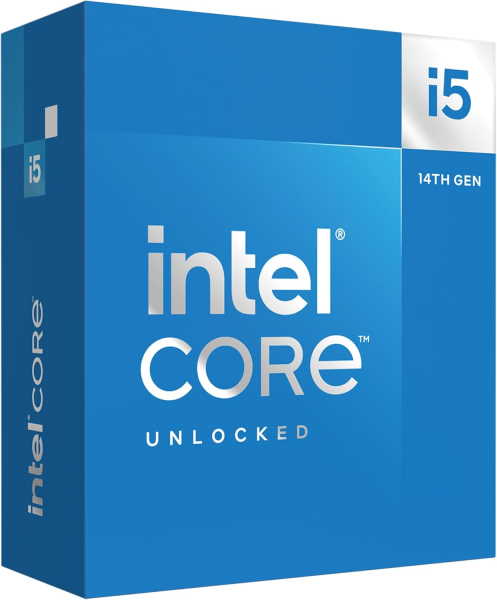
2. Best Budget CPU for Photoshop – Intel Core i5-14600K
Yes, it’s a previous-gen chip. No, that doesn’t make it irrelevant. The i5-14600K remains one of the most competent mid-range CPUs available, and its street price in 2026 makes it a legitimate option for anyone building a Photoshop workstation on a tight budget.
Fourteen cores (six performance, eight efficiency), DDR5 support on Z790 boards, and a boost clock above 5.3GHz give it more than enough headroom for standard photo editing workflows. It won’t match the newer Raptor Lake Refresh or Arrow Lake chips in raw efficiency, but for the money, it’s hard to dismiss. Pair it with a decent B760 motherboard and 32GB of DDR5 and you have a capable Photoshop machine without spending like it’s a NASA contract.
Core i5-14600K
Older architecture, but still punching. The 14600K holds up surprisingly well in Photoshop, especially for users who aren’t running 500MB files daily. A smart pick if you’re building on a tight budget and already have a Z690 or Z790 board gathering dust.
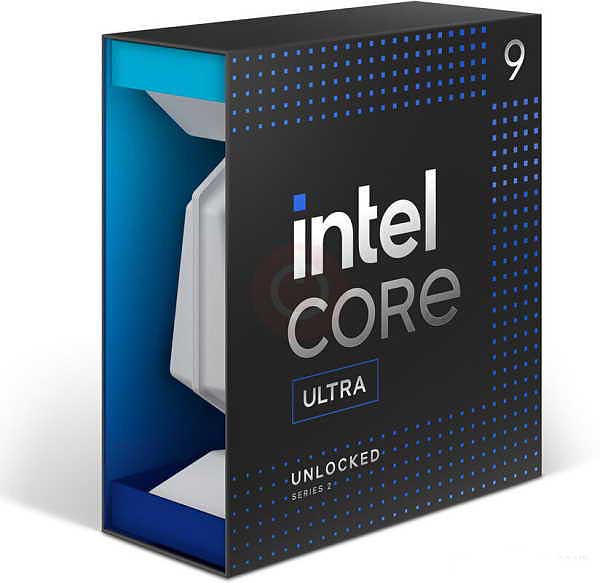
3. Best High-End CPU for Photoshop – Intel Core Ultra 9 285K
Arrow Lake’s flagship chip is built for people who treat Photoshop as a production tool rather than a hobby. The Core Ultra 9 285K brings 24 cores to the table, an upgraded NPU for AI-accelerated workloads, and Intel’s latest efficiency architecture that keeps thermals manageable even under prolonged stress.
Photoshop’s generative AI features – generative fill, neural filters, object selection refinement – all benefit from the NPU offloading, which reduces the CPU burden and keeps your editing sessions fluid. If you’re processing large batches of RAW files, running complex composites, or working in 32-bit HDR color spaces regularly, the 285K justifies its price tag.
It requires an LGA1851 motherboard (Z890), which adds to the total build cost, but if the budget allows, this is the most capable Intel option for professional Photoshop work right now.
Core Ultra 9 285K
Adobe’s Neural Filters and AI-powered tools have a clear favorite here. The 285K’s NPU offloads generative tasks that would otherwise tie up your cores, so content-aware fills and sky replacements run noticeably faster. Heavy retouchers working with AI workflows will feel the difference immediately.
4. Best Future-Proofed CPU for Photoshop – AMD Ryzen 9 9950X
The Ryzen 9 9950X is the answer to the question that opened this article. If you’re building a workstation you want to rely on for the next four or five years, this is the chip. Sixteen Zen 5 cores, a 5.7GHz boost clock, 80MB of combined cache, and AM5 platform longevity that AMD has committed to through at least 2027.
Photoshop, Lightroom, After Effects, and Premiere can all run simultaneously without this chip flinching. The 9950X handles everything from large-format print compositing to real-time generative AI previews with the kind of composure that makes you forget you’re waiting for a render. It’s not cheap. But if you’re amortizing the cost over several years of professional use, the per-year math is actually quite reasonable.
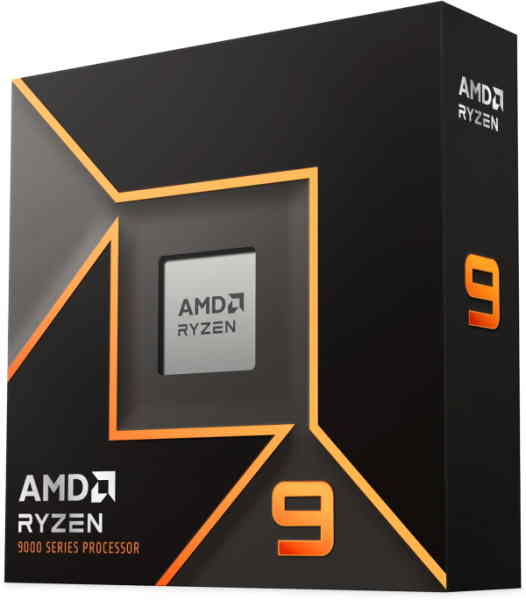
Ryzen 9 9950X
16 cores that Photoshop’s batch processing engine will actually use. If your workflow involves running actions across hundreds of files, exporting layered composites, or multitasking between Bridge, Lightroom, and Photoshop simultaneously, the 9950X removes the ceiling.
5. Best Mid-Range CPU for Photoshop – AMD Ryzen 5 9600X
For hobbyist photographers or anyone who edits casually rather than professionally, the Ryzen 5 9600X is worth a serious look. Six Zen 5 cores with a boost clock above 5.4GHz give it single-core performance that trades blows with chips costing significantly more.
It runs cool, draws modest power, and sits on the AM5 platform – meaning you can upgrade to a higher-tier Ryzen chip later without changing the motherboard. For a first proper editing workstation, it’s a sensible starting point.
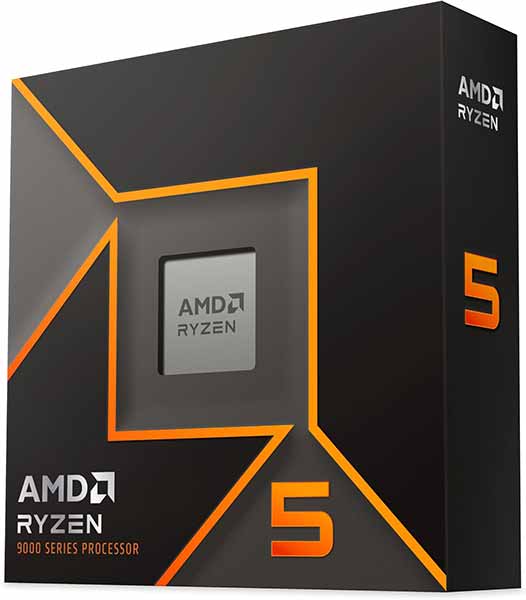
Ryzen 5 9600X
Entry-level in name only. The 9600X’s raw single-core speed keeps the Photoshop canvas responsive even when layer counts climb. For photographers and hobbyists who don’t need workstation muscle, this is the most sensible money spent in the entire lineup.
AMD PC Build for Photoshop
These components are hand-picked and vetted for compatibility, though we do not guarantee availability. They are suitable for an AMD-based PC build optimized for photo editing and creative workstation tasks in Photoshop. If you do not like the recommendations, you can easily swap out unwanted parts and add new ones using the AI PC Builder tool. Simply click on the BUILD/CUSTOMIZE THIS button to get started.

- CPU: Ryzen 9 9950X$549.00
Price on Newegg
Amazon Price
- Motherboard: ASUS ProArt X870E Creator WiFi (Unavailable)$419.97
- GPU: XFX Radeon RX 7900 GRE$999.00
- RAM: TEAMGROUP T-Force Delta RGB DDR5 64GB$999.99
- Storage 1: Samsung 990 PRO SSD NVMe 2TB$389.99
- Storage 2: Seagate IronWolf 8TB NAS HDD$429.50
- CPU Cooler: Thermalright Phantom Spirit 120 EVO CPU Cooler$46.90
- Case: Fractal Design Meshify 2 Compact Black ATX Case$134.99
- PSU: Lian Li Edge 850W Fully Modular ATX Power Supply Cybernetics Gold Efficiency$110.99
TOTAL COST: $4,080.33
📊 Price History
[Prices updated: 8:54pm, 10/04/2026]
This AMD build centers on the Ryzen 9 9950X for maximum longevity. The ASUS ProArt board is purpose-built for creative workstations, with robust VRM delivery and excellent memory overclocking headroom. 64GB of DDR5 is the right call for anyone working with large layered PSDs or running multiple Adobe apps simultaneously.
The Radeon RX 7900 GRE handles GPU-accelerated features in Photoshop, including OpenCL-based filters and the GPU-accelerated canvas. Pair that with the Samsung 990 Pro for fast scratch disk performance and you have a build that won’t create bottlenecks anywhere in your workflow.
Intel PC Build for Photoshop
These components are hand-picked and vetted for compatibility, though we do not guarantee availability. They are suitable for an Intel-based PC build optimized for photo editing and creative workstation tasks in Photoshop. If you do not like the recommendations, you can easily swap out unwanted parts and add new ones using the AI PC Builder tool. Simply click on the BUILD/CUSTOMIZE THIS button to get started.
- CPU: Core Ultra 9 285K$519.99
- Motherboard: msi MEG Z890 ACE Gaming$590.32
- GPU: ASRock Intel ARC B580 Steel Legend (Unavailable)$329.99
- RAM: Klevv Cras V RGB DDR5 64GB$1,099.99
- Storage 1: WD_BLACK 2TB SN850X NVMe (Unavailable)$299.99
- Storage 2: Seagate Barracuda 8TB$269.99
- PSU: Thermaltake Toughpower GT 850W Full Modular 80 Plus Gold$109.24
- Case: Lian Li Lancool 216 Mid-Tower Case$98.99
- CPU Cooler: be quiet! Dark Rock 5$64.90
TOTAL COST: $3,383.40
📊 Price History
[Prices updated: 8:54pm, 10/04/2026]
- CPU: Intel Core Ultra 9 285K
- Motherboard: MSI MEG Z890 ACE
- RAM: Klevv Cras V RGB 64GB DDR5-6400 (2x32GB)
- GPU: Intel Arc B580 12GB
- Storage (OS): WD Black SN850X 2TB NVMe SSD
- Storage (Assets): Seagate BarraCuda Pro 8TB HDD
- CPU Cooler: be quiet! Dark Rock Pro 5
- Case: Lian Li Lancool 216
- PSU: Thermaltake Toughpower GF3 850W 80+ Gold
The Core Ultra 9 285K leads this build precisely because of its NPU integration. Adobe’s AI tools in Photoshop are increasingly offloading to dedicated accelerators, and Intel’s built-in NPU gives this platform a genuine advantage there. The MSI MEG Z890 ACE provides the kind of VRM stability that a 24-core chip under sustained load actually needs.
The Intel Arc B580 might raise an eyebrow, but it’s a legitimate choice here. Photoshop doesn’t need a gaming GPU; it needs reliable OpenCL support and VRAM headroom for GPU-accelerated filters. The B580’s 12GB VRAM handles both without the premium price of a high-end gaming card. The be quiet! Dark Rock Pro 5 keeps the 285K cool and quiet during long editing sessions.
Putting it Together
Both builds above are ready to assemble as listed, but a few configuration details will determine whether you get the most out of your chosen CPU from day one.
First, set your RAM to its rated XMP or EXPO profile in BIOS immediately after the first boot. Photoshop is memory-bandwidth sensitive, and running DDR5 at its default 4800MHz instead of its rated 6000MHz+ is leaving a measurable amount of performance on the table.
Second, configure your Photoshop scratch disk to point to your fastest NVMe SSD, not your asset storage drive. Photoshop uses the scratch disk as virtual RAM when your actual RAM fills up, so scratch disk speed has a direct impact on how the application feels during heavy edits.
Third, allocate RAM properly within Photoshop’s preferences. The default allocation is conservative. For a 64GB system, setting Photoshop’s memory usage to 70-80% gives it room to breathe without starving your OS and other background processes.
If you’re assembling one of these builds yourself for the first time, a detailed walkthrough makes the process considerably less stressful. This step-by-step DIY PC build guide covers everything from mounting the CPU to installing Windows, and it’s worth reading before you start putting parts together.
Optimizing Your Build for Photoshop
Hardware is only half the equation. A few software-side adjustments will push your Photoshop performance noticeably further without spending another dollar.
Enable GPU Acceleration
Navigate to Edit > Preferences > Performance and confirm that GPU acceleration is active. Photoshop uses the GPU for canvas rendering, zoom, pan, and several filter previews. Disabling it, even accidentally, makes the application feel sluggish regardless of how fast your CPU is.
Manage Your History States
The default history state count in Photoshop is 50. Each state consumes RAM. On a 64GB system, you can afford to keep this at 50 or even increase it slightly, but on a 32GB build, trimming it to 20-30 keeps memory usage tighter during complex edits.
Keep Drivers Current
Both AMD and Intel push GPU driver updates regularly, and Photoshop’s GPU-accelerated features respond to these updates. A driver from six months ago may not support newer OpenCL optimizations that Adobe has introduced. Treat driver updates as part of your workstation maintenance routine.
Use a Calibrated Monitor
This isn’t a CPU tip, but it belongs in any serious Photoshop optimization conversation. A fast CPU processing inaccurate color data is wasted effort. If your monitor isn’t calibrated, your edits won’t translate correctly to print or other media output. A hardware colorimeter costs less than most CPUs and is arguably more important for photo editing quality than the difference between a mid-range and high-end chip.
Conclusion
Finding the best CPU for Photoshop in 2026 comes down to being honest about your actual workflow. Casual hobbyist editing on a budget? The Ryzen 5 9600X or i5-14600K will handle it without drama. Professional workstation with longevity requirements? The Ryzen 9 9950X or Core Ultra 9 285K are the serious answers. Neither platform has a decisive advantage across the board – AMD leads in multi-threaded efficiency and platform longevity, while Intel’s NPU integration gives it an edge in AI-accelerated Photoshop features that are only going to become more central as Adobe continues pushing generative tools.
Pick the platform that fits your budget, pair it with 32GB of DDR5 minimum (64GB if your work involves large files), and configure your scratch disk correctly. That combination will make more difference to your daily Photoshop experience than any single hardware decision on its own.
The builds listed above are configured for real-world use, not benchmark theater. Both will serve a working photographer or digital artist well into the next upgrade cycle.
All Articles