


Finding the best 24-inch monitor in 2026 depends on what you need most from your screen; speed for competitive gaming, color accuracy for creative work, or simple versatility for everyday use. At this size, monitors strike a sweet balance between desk-friendly design and performance, offering plenty of choice across price points. We tested the latest models across gaming, professional, and general-purpose categories to see which ones stand out.
Stick around.
RELATED ARTICLE

Best GPUs under 100 dollars – Full Review
We review the best entry-level graphics cards for under 100 dollars plus a full buying guide.
Best 24 Inch Monitor for Gaming
Acer Predator XB253Q
Currently Unavailable
See on eBaySee on B&H PhotoSee on NeweggSee on Best BuySee on Manufacturer SitePrice incl. tax, excl. shipping
Alienware AW2523HF
Price: $339.00
556 Reviews
See on AmazonPrice incl. tax, excl. shipping
GIGABYTE G25F2A 24.5-inch SuperSpeed IPS Gaming Monitor
Price: $99.99
3 Reviews
See on AmazonPrice incl. tax, excl. shipping
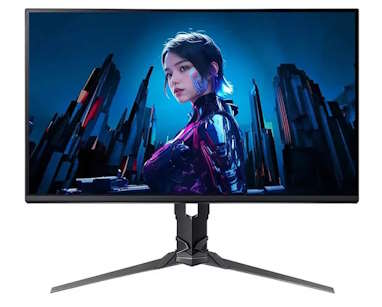
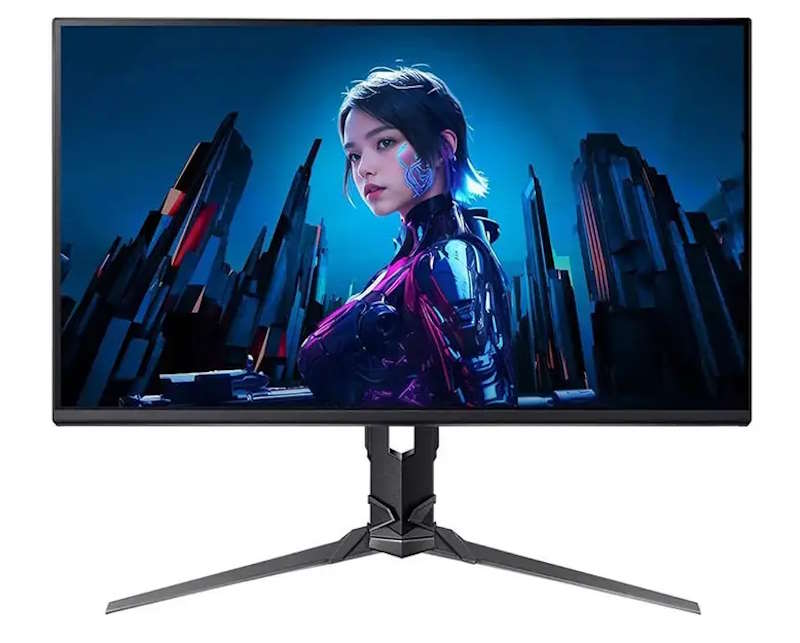
Acer Predator XB253Q Gaming Monitor
Physical Features
The XB253Q keeps Acer’s Predator design language: diamond-cut stand arms, all-metal base, and thin bezels on three sides. Build feels sturdy rather than premium, in line with its price bracket. The stand tilts, swivels, pivots, and adjusts for height, so desk positioning isn’t a compromise. Response feels immediate in fast-paced titles, with G-Sync keeping motion clean at the panel’s higher refresh rates.
Features
- All-metal stand: tilt, swivel, pivot, height adjustable
- 240Hz overclocked refresh rate (144Hz native on some SKUs)
- NVIDIA G-Sync support, no screen tearing
- VESA DisplayHDR 400 certification
- Connectivity: DisplayPort 1.2, two HDMI 2.0, USB 3.0 hub
Specs
- Panel: 24.5″ IPS, 1920×1080 Full HD
- Refresh rate: up to 240Hz (variant-dependent, some models cap at 144Hz)
- Response time: 0.5–1ms G2G
- Brightness: 400 cd/m², 100,000,000:1 dynamic contrast
- Color: 16.7 million colors, roughly 99% sRGB coverage
Pros:
- Excellent response time and low input lag for competitive play
- G-Sync support eliminates tearing and stutter
- Solid color accuracy for an IPS panel in this price range
- Flexible, well-built stand
Cons:
- Limited HDR performance despite the DisplayHDR 400 badge
- Panel uniformity is inconsistent between units, per independent testing
- 1080p resolution feels dated next to 1440p rivals at similar prices
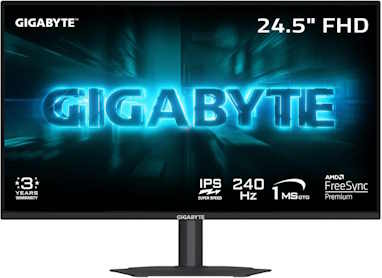
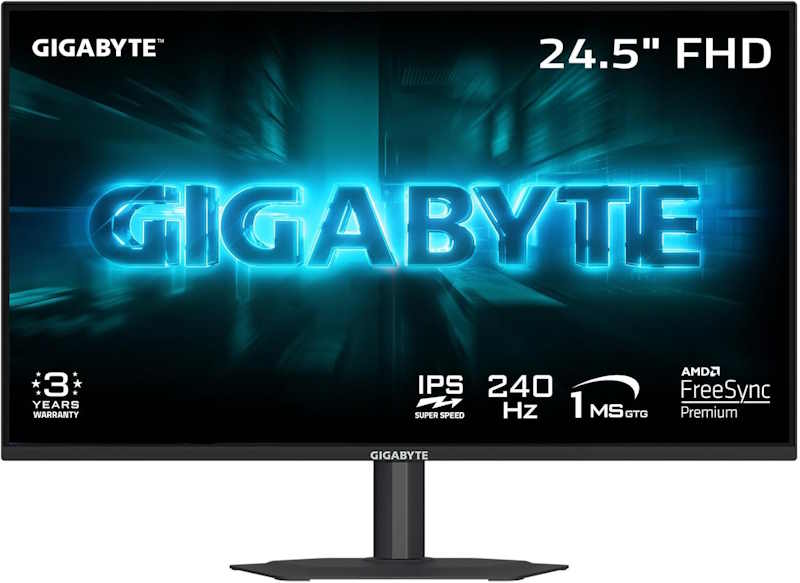
GIGABYTE G25F2A 24.5-inch SuperSpeed IPS Gaming Monitor
Physical Features
The G25F2A follows Gigabyte’s plain, functional design language: matte black finish, thin bezels, minimal branding. It supports height and tilt adjustment, though no swivel or pivot. The SuperSpeed IPS panel uses a thinner liquid crystal layer than standard IPS, which is how Gigabyte gets a genuine 1ms GTG response time out of an IPS panel rather than TN or VA. Build feels basic but sturdy for the price.
Features
- SuperSpeed IPS panel: thinner LC layer for faster response
- 240Hz refresh rate, native
- AMD FreeSync Premium, compatible with NVIDIA G-Sync
- HDR10 certified
- Height and tilt adjustable stand
Specs
- Panel: 24.5″ IPS, 1920×1080 FHD, non-glare
- Refresh rate: 240Hz max
- Response time: 1ms GTG
- Brightness: 300 cd/m² typical, 1000:1 contrast
- Color: 120% sRGB, 16.7M colors, 8-bit
- Connectivity: two HDMI 2.0, one DisplayPort 1.4, headphone jack
Pros:
- Genuine 1ms GTG response on an IPS panel, minimal ghosting
- Wide color gamut for the price bracket
- Native 240Hz with FreeSync Premium, smooth and tear-free
- Height adjustment included, uncommon at this price point
Cons:
- No swivel or pivot adjustment, tilt and height only
- 1080p resolution limits sharpness on desktop and detail work
- Built-in speakers are an afterthought, low volume and thin sound
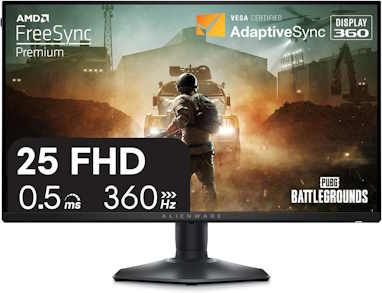
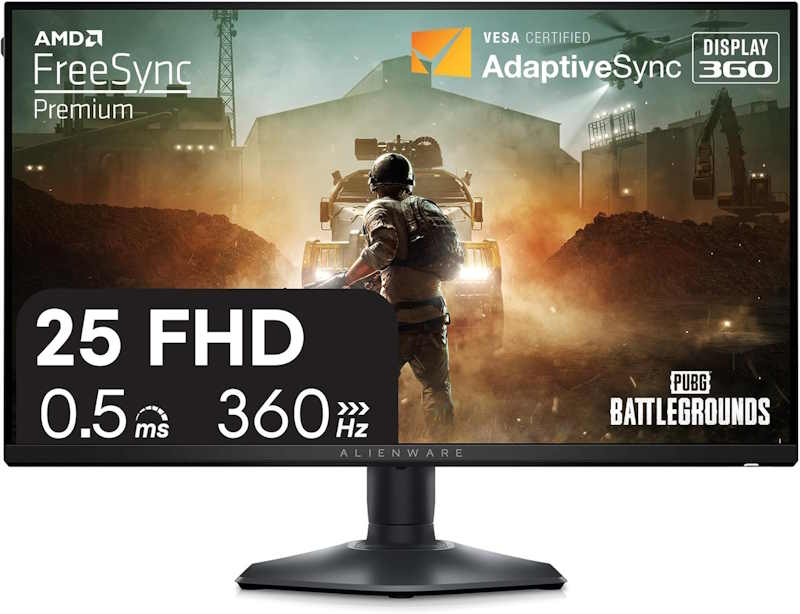
Alienware AW2523HF Gaming Monitor
Physical Features
Alienware’s Legend 2.0 design carries over: a simple metallic grey finish, minimal branding, and a redesigned hexagonal base that frees up desk space around the keyboard and mouse. No RGB lighting, a departure from most Alienware displays, but the tradeoff keeps the price down. The stand offers full height, tilt, swivel, and pivot adjustment. At 360Hz, motion is dramatically smoother than 240Hz panels, and Alienware’s overdrive tuning keeps ghosting to a minimum.
Features
- Fast IPS panel: 360Hz refresh rate, 0.5ms GtG minimum
- AMD FreeSync Premium; works with NVIDIA G-Sync via DisplayPort, unofficially
- Fully adjustable stand: height, tilt, swivel, pivot
- Built-in USB hub: one USB-B upstream, four USB-A downstream
- Redesigned hexagonal base for more desk clearance
Specs
- Panel: 24.5″ Fast IPS, 1920×1080 FHD
- Refresh rate: 360Hz max
- Response time: 0.5ms GtG minimum, 1ms most observed in Extreme mode
- Brightness: 400 nits rated, measured up to 450 nits
- Color: 99% sRGB, no wide-gamut or true HDR
- Connectivity: two HDMI 2.0, one DisplayPort 1.4, USB hub
Pros:
- Exceptional refresh rate and response time for competitive titles
- Strong out-of-box color accuracy and brightness for the price
- Fully adjustable, well-built stand
- Aggressive pricing relative to other 360Hz panels
Cons:
- Contrast is average for IPS, darker scenes look washed out
- 1080p resolution looks dated for desktop and productivity use
- No wide color gamut, HDR support is nominal at best
Best 24-inch Professional Monitors
AG Neovo EM2451 24 Inch 4K Monitor
Price: $239.00
23 Reviews
See on AmazonPrice incl. tax, excl. shipping
Dell UltraSharp 24-inch Monitor U2424H FHD 1080p
Price: $258.19
43 Reviews
See on AmazonPrice incl. tax, excl. shipping
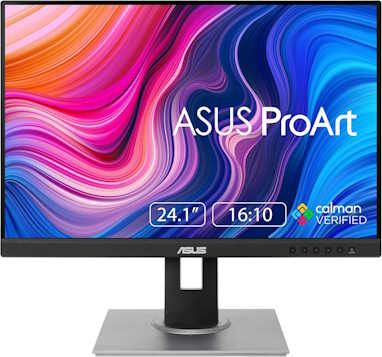
ASUS ProArt 24-inch Monitor
Price: $199.00
1785 Reviews
See on AmazonPrice incl. tax, excl. shipping
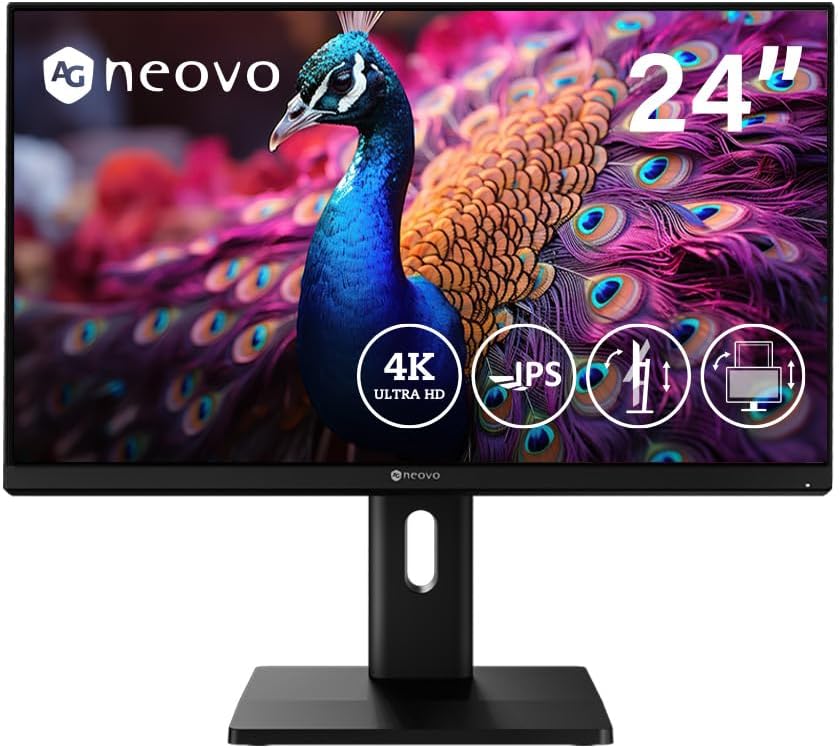
AG Neovo EM2451 24″ 4K USB-C Monitor
Physical Features
AG Neovo’s EM2451 has a restrained look: slim bezels, matte screen, and a solid stand with full ergonomic range. The pivot function is smooth, which suits vertical workflows. Connectivity is a strong point, with USB-C and multiple modern video ports.
- 23.8″ frameless IPS panel
- Height, tilt, swivel, pivot stand
- USB-C (65W PD), 2× HDMI 2.1, 1× DP
- Matte anti-glare coating
Specs
- Resolution: 3840×2160 (4K UHD)
- Panel: IPS, 10-bit color
- Color Coverage: 100% sRGB, 93% DCI-P3
- USB-C with 65W Power Delivery
Pros and Cons
At 4K on a 24″ screen, pixel density is razor sharp, great for editing text, images, or video timelines. Color accuracy is above average, with full sRGB and respectable P3. The stand feels premium, and USB-C simplifies laptop docking. Drawbacks: brightness is good but not HDR-class, and professionals working strictly in Adobe RGB will find the gamut a bit narrow. Still, it’s an affordable all-rounder for mixed pro use.
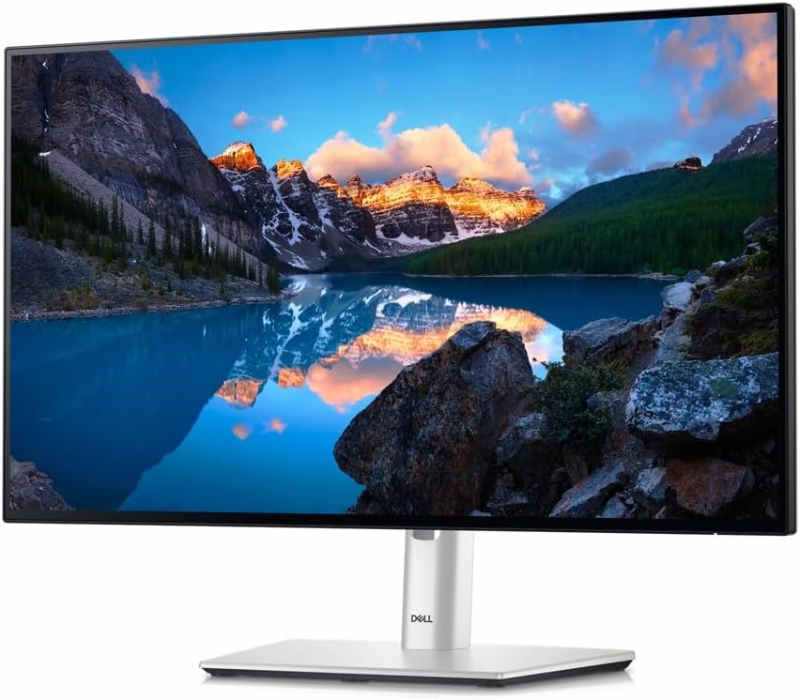
Dell UltraSharp U2424H 24″ Hub Monitor
Physical Features
Dell’s UltraSharp line rarely misses. The U2424H keeps the familiar clean lines and adds a versatile stand that adjusts every way you’d expect. Ports are generous, including dual USB-C and an integrated hub, which keeps cable clutter low.
- 23.8″ IPS panel, slim bezels
- Fully ergonomic stand
- Dual USB-C (65W PD), 2× DP, HDMI, USB hub
- Low-blue-light ComfortView
Specs
- Resolution: 1920×1080 (Full HD)
- Refresh: up to 120 Hz
- Color Coverage: ~98% DCI-P3
- Factory calibration ΔE <2
Pros and Cons
This is a rare Full HD monitor that doesn’t feel like a compromise. The near-perfect factory calibration and wide DCI-P3 gamut make it shine for color-sensitive work. Ergonomics are best-in-class, and the higher-than-usual refresh rate helps with smooth scrolling. Downsides: pixel density isn’t as sharp as 4K at the same size, and HDR support is absent. If you value accuracy and usability over resolution, it’s a strong professional option.
ASUS ProArt 24-inch Professional Monitor
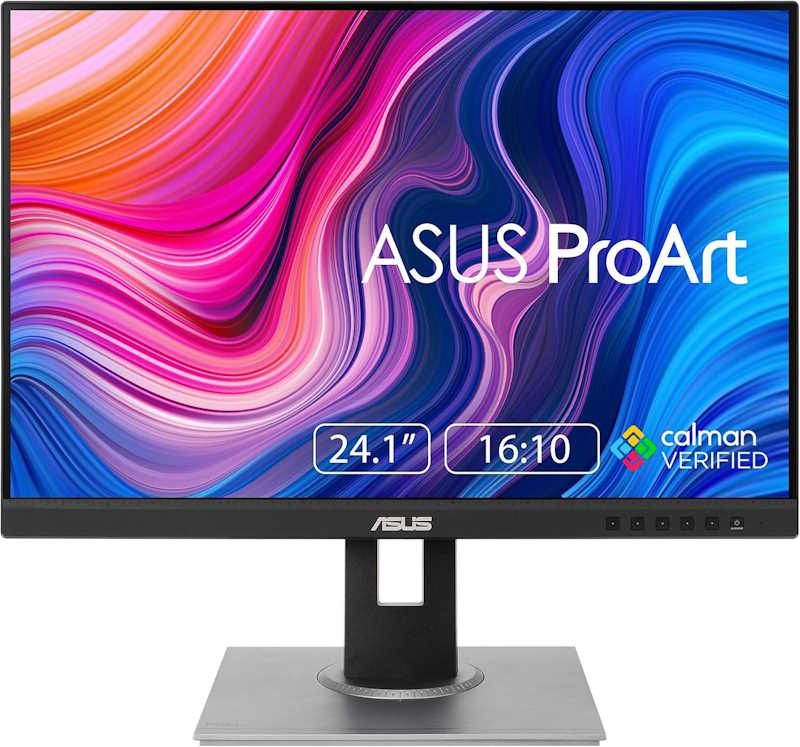
Physical Features
The PA248CRV follows ASUS’s understated ProArt look: matte gray-and-black plastic, thin bezels, and a notably compact footprint. The base is 33% smaller than the previous generation, and the panel measures just 8mm at its thinnest point. The stand offers full tilt, swivel, pivot, and height adjustment, and the screen rotates to portrait for document or code review. Build feels light but not flimsy.
Features
- Factory-calibrated IPS panel, Delta E < 2, Calman Verified
- 16:10 aspect ratio for extra vertical workspace
- USB-C with 96W Power Delivery, single-cable laptop connection
- ProArt Preset color modes: sRGB, Adobe RGB, DCI-P3, Rec.709, DICOM
- QuickFit Plus on-screen rulers and alignment grids
Specs
- Panel: 24.1″ IPS, 1920×1200 WUXGA, 10-bit, anti-glare
- Refresh rate: 75Hz max, 5ms GTG
- Brightness: 350 cd/m² typical, HDR10 support
- Color: 100% sRGB, 97% DCI-P3
- Connectivity: USB-C (DP Alt Mode, 96W PD), two DisplayPort 1.4 (daisy-chain), two HDMI 1.4, USB hub
Pros:
- Excellent factory color accuracy out of the box
- 16:10 aspect ratio adds useful vertical space for documents and timelines
- Single-cable USB-C connection with strong charging output
- Compact, space-efficient design with full ergonomic adjustment
Cons:
- 75Hz refresh rate is unremarkable, not built for fast motion
- Resolution and pixel density are modest by current standards
- Brightness tops out at 350 nits, mediocre in bright rooms
Best 24-inch General Purpose Monitors
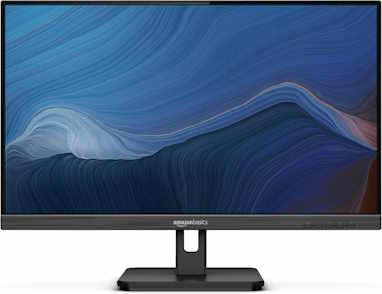
Amazon Basics 24-inch Full HD IPS Monitor
Price: $105.99
800 Reviews
See on AmazonPrice incl. tax, excl. shipping

BenQ GW2486TC Office 24-inch 1080p
Price: $169.99
44 Reviews
See on AmazonPrice incl. tax, excl. shipping
BenQ GW2486TC 24″ Office Monitor
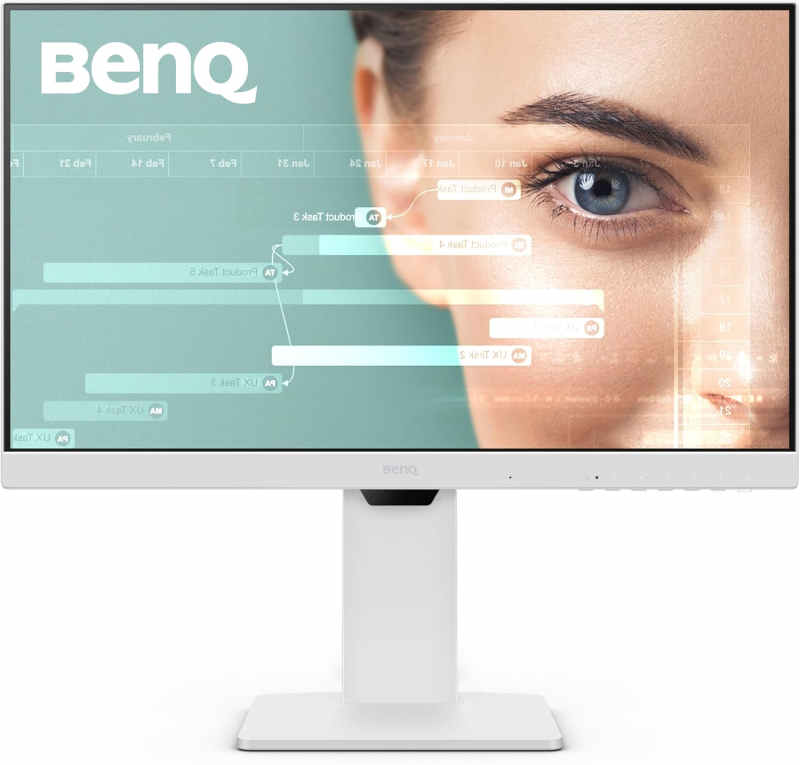
Physical Features
The GW2486TC looks like it belongs in a modern office. Slim bezels, a clean matte finish, and a height-adjustable stand give it a polished, practical feel. Built-in speakers and a microphone are convenient for quick calls.
- 23.8″ IPS panel, slim bezels
- Height-adjustable stand, tilt/swivel/pivot
- Built-in speakers and mic
- USB-C (65W PD), HDMI, DisplayPort
Specs
- Resolution: 1920×1080
- Refresh: 100 Hz
- Adaptive Brightness, Eye-Care tech
- USB-C with 65W Power Delivery
Pros and Cons
The 100 Hz refresh makes scrolling smoother than standard office displays, and the single-cable USB-C setup is a win for laptop users. Eye-care features work well for long work sessions. Downsides: speakers are serviceable at best, and brightness tops out at average. Still, this is a balanced office monitor that makes daily work easier.
Amazon Basics 24″ Monitor
Physical Features
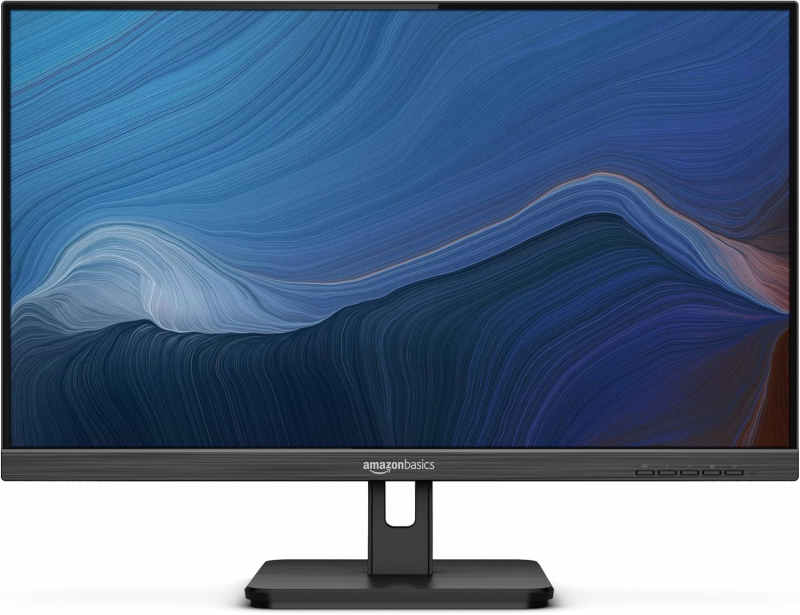
Amazon’s 24″ entry is all about simplicity. It’s light, functional, and stripped of frills. Bezels are slightly thicker than pricier rivals, but the anti-glare finish is effective.
- 24″ IPS, matte anti-glare
- Tilt stand, VESA mountable
- Built-in speakers
- HDMI and DisplayPort inputs
Specs
- Resolution: 1920×1080
- Refresh: up to 100 Hz
- Basic stereo speakers
- Low-cost design (~$80)
Pros and Cons
For its price, performance is surprisingly good. The IPS panel offers decent colors and viewing angles, and 100 Hz is smoother than standard 60 Hz. Limitations are clear: sound quality is thin, build feels basic, and there are no extras like USB-C. If you just need a cheap, functional monitor for everyday tasks, it’s hard to beat the value.
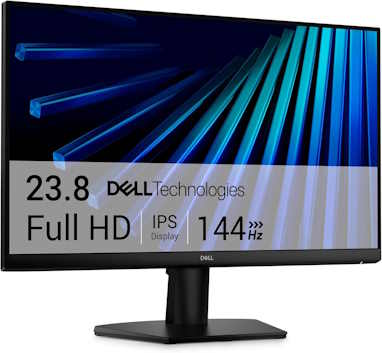
Dell SE2426H 24-Inch Monitor
Physical Features
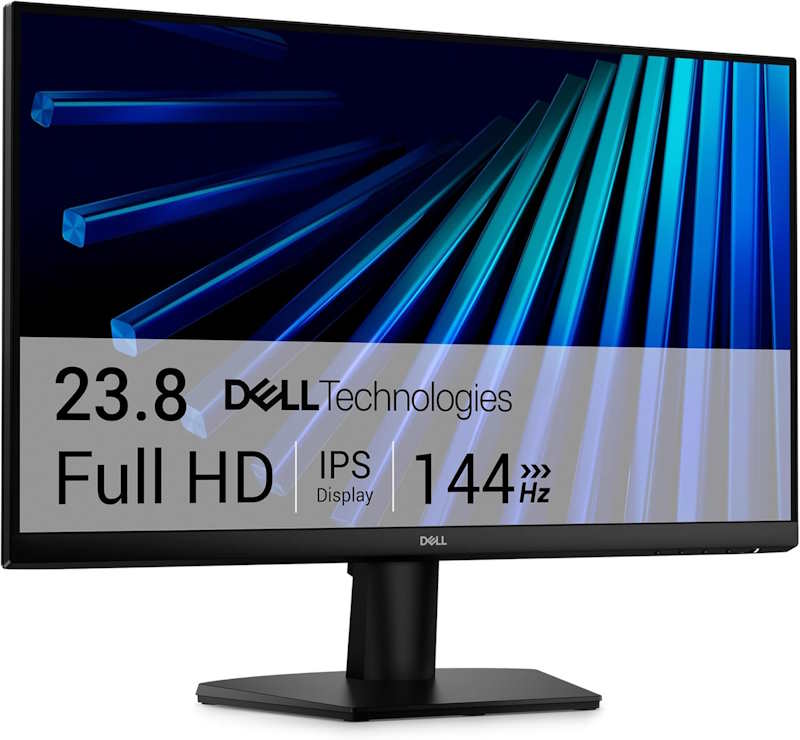
This is a no-frills, everyday monitor: thin bezels, small footprint, and a basic tilt-only stand. Build is plain black plastic, nothing premium, but it’s compact and easy to fit into tight desk setups thanks to the built-in power supply and cable holder. The IPS panel holds wide 178°/178° viewing angles and consistent color at an angle, better than the TN panels typically found at this price.
Features
- IPS panel: wide viewing angles, consistent color
- 144Hz refresh rate with AMD FreeSync support
- TÜV Rheinland 3-star certification for eye comfort
- Ultra-thin bezels, compact footprint
- Built-in cable holder and power supply
Specs
- Panel: 23.8″ IPS, 1920×1080 FHD
- Refresh rate: up to 144Hz
- Response time: 1ms MPRT / 4ms GtG fast mode / 8ms normal mode
- Brightness: 300 cd/m² typical, 1000:1 contrast
- Color: 72% NTSC minimum, 16.7M colors
- Connectivity: two HDMI (HDCP 1.4)
Pros:
- Smooth 144Hz refresh rate well above typical budget monitors
- IPS panel gives accurate color and wide viewing angles at this price
- Low input lag, solid for casual gaming
- Compact, tidy design with minimal desk footprint
Cons:
- Tilt-only stand, no height, swivel, or pivot adjustment
- No DisplayPort, HDMI only
- No built-in speakers or USB hub
Concluding Thoughts
In the end, the best 24-inch monitor comes down to matching the screen to your priorities. Gamers chasing every frame will gravitate to ultra-fast panels, professionals will want factory-calibrated color accuracy, and everyday users may value affordability and flexible features. The good news is that in 2026, there’s a strong option in each category, so whether you’re upgrading for work, play, or both, you can find a 24-inch display that fits comfortably on your desk and your budget.